Edit Video by Describing What You Want
You know exactly which three seconds need to go. Opening a timeline to remove them costs more time than the cut is worth. Say what to trim instead, and get the file back already fixed.
Try asking
Examples

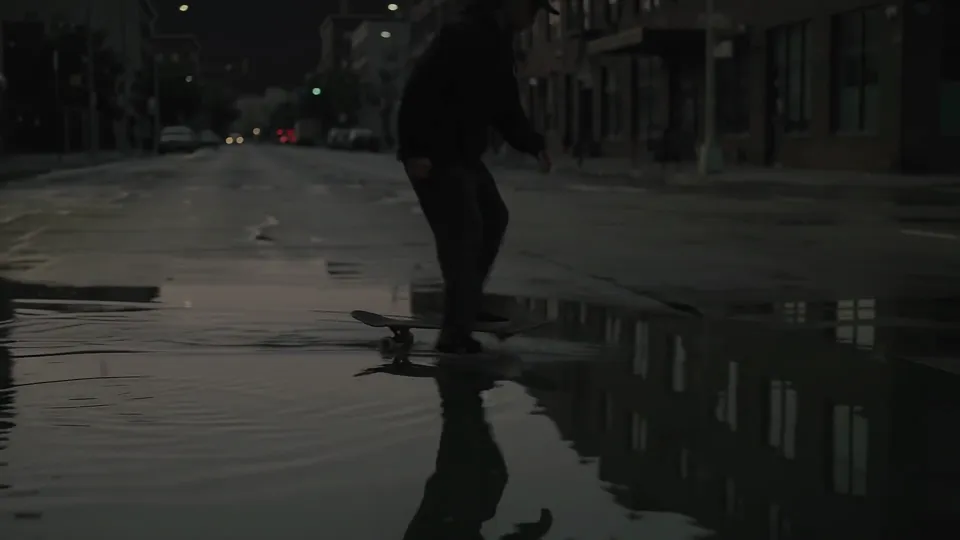 BeforeAfter
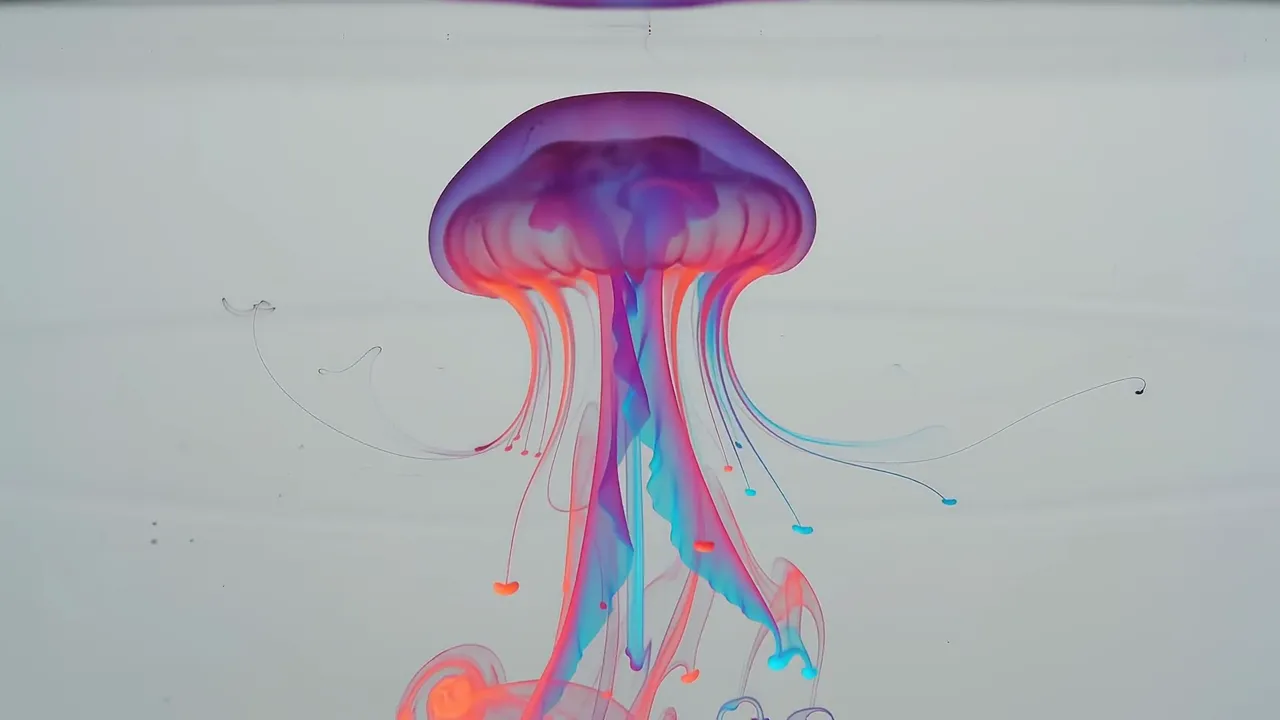 BeforeAfterFrom harbor-lane-night-market-teaser-music-v2.mp4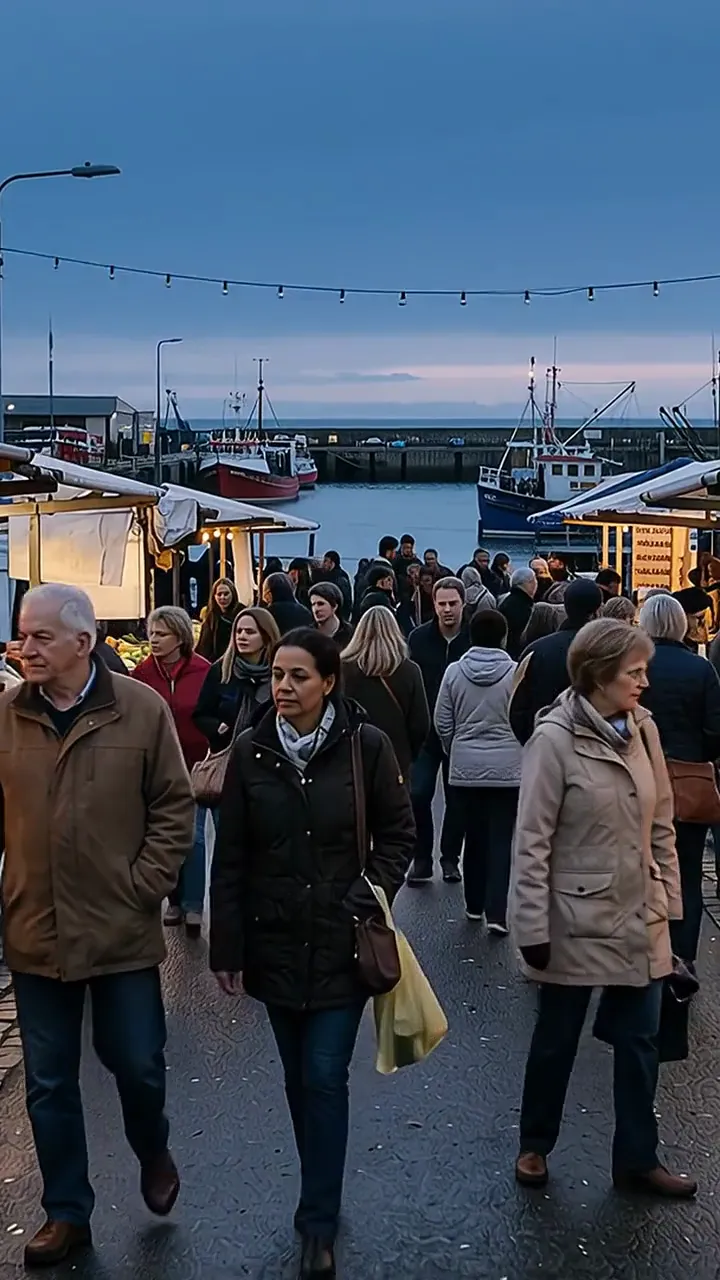
Attach your footage and say what the finished cut should do: trim this section, add a transition between two clips, speed up the middle stretch and drop a music bed underneath. Each request lands on the video, and you see the result before the next one.
Change your mind and just say so instead of starting over. "Make that transition a hard cut instead." "Move the title card to three seconds in." "Export at 1080p." Each note applies to the same clip, the way you would redirect an editor sitting next to you.
Changing what's in the shot
It also changes what is actually in the frame, not just which parts survive the cut. "Remove the bin by the door." "Make it look like golden hour." "Swap the background for a plain wall." That used to mean hours of frame-by-frame work or a full reshoot; here it is a sentence.
This touch-up has real limits, and knowing them saves you a retry. It takes an MP4 or MOV up to 200 MB, and works three to ten seconds at a time, so trim to the moment that needs changing before you send it. Editing or animating a real person this way is blocked outright for accounts based in the EEA, Switzerland or the UK. Cutting, trimming and merging carry none of those caps.
The touch-up makes new pixels rather than editing your existing ones. What comes back can differ from your footage in fine detail, since it is rendered fresh rather than pulled from your original frames. Your uploaded file itself is never changed, no matter which edit you ask for.
What comes back
Every export is a fresh render, even a straight cut, so the joins do not pop and clips from different sources match on the way out. MP4 comes back by default, or another format if you name it in the same thread.
Trim to the moment before you ask for a transform. Cuts and merges carry none of the touch-up's caps and run on footage of any length; the touch-up itself is capped by the second, so the ten seconds you send should already be the ten seconds you need changed.
How it works
- 01
Upload one or more clips, in most common video formats
- 02
Describe the cut, or the change to make in the shot itself
- 03
Get an MP4 back by default, ready to publish
Frequently asked questions
Do I need video editing experience?
No. Cuts, trims, merges, speed changes, music, text overlays, and pixel-level changes like removing an object or relighting a scene all work the same way. Describe it, and watch it happen. No timeline, no layers, no keyboard shortcuts to memorize.
What kinds of edits can it do?
Cutting, trimming, merging, speed changes, transitions, text overlays, music beds, audio adjustments, and color correction all skip the touch-up's caps entirely. The touch-up itself, which changes what is actually in the frame, removing an object or relighting a scene, is scoped tighter, to short MP4 or MOV clips within those same bounds.
Is the output quality good enough for publishing?
Yes, and we never stamp a logo on it. Every export is a fresh render rather than a copy of your upload, MP4 by default, because the cuts get cleaned up and mixed sources get matched on the way out.
Can I combine multiple clips into one video?
Yes. Upload several files, describe the order and transitions you want, and Chat Octopus merges them into a single output.
What export formats are available?
MP4 is the default, and it is what comes back unless you ask otherwise. Name another format in the same thread and that is the one you get instead. Specify resolution or quality too if you have preferences.