Generate Video From a Text Prompt
Describe the shot you're missing and get back a clip three to ten seconds long, landscape or vertical, up to 1080p on a paid plan. Describe a whole sequence instead and it works out the shots on its own, generates each one, and stitches them into a single video.
Try asking
Examples
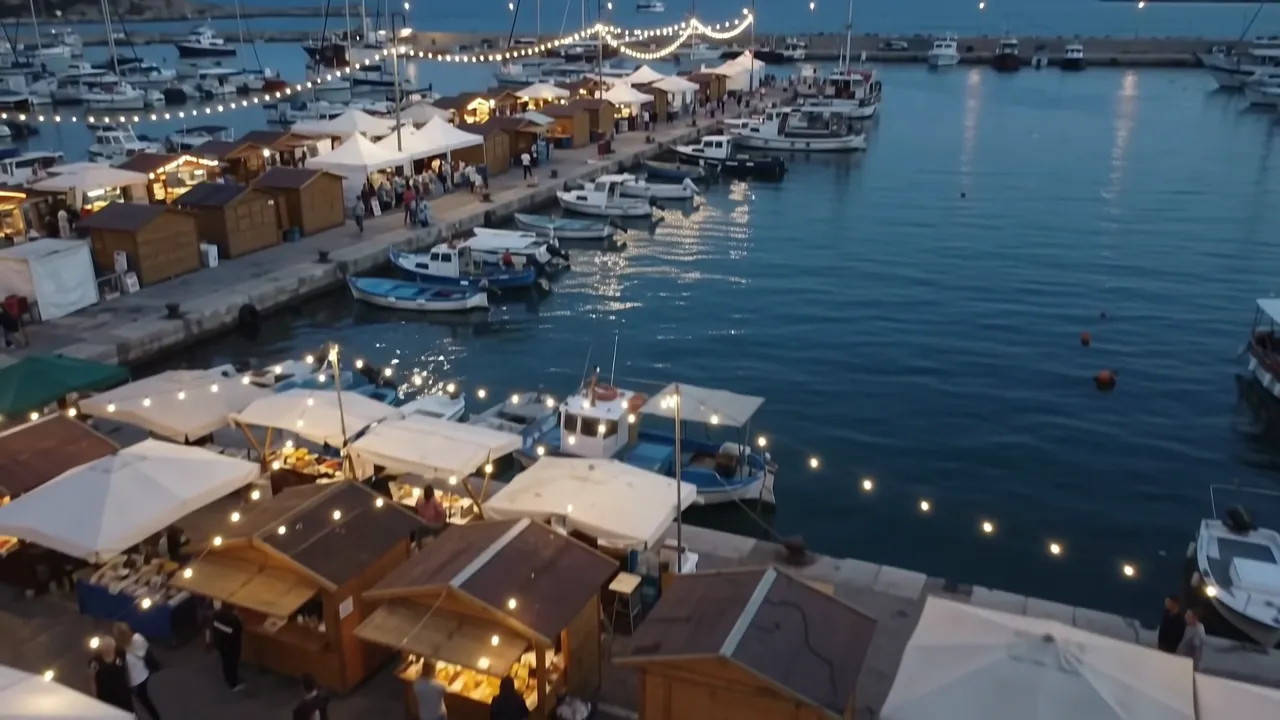
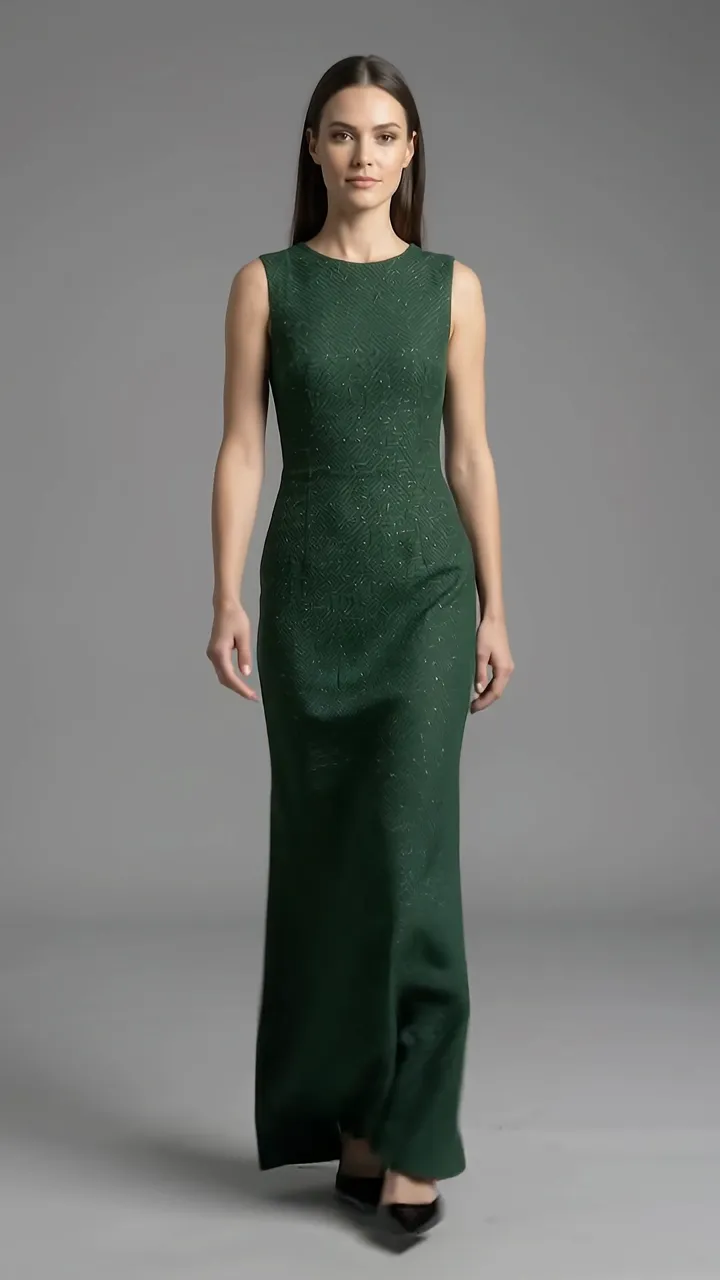
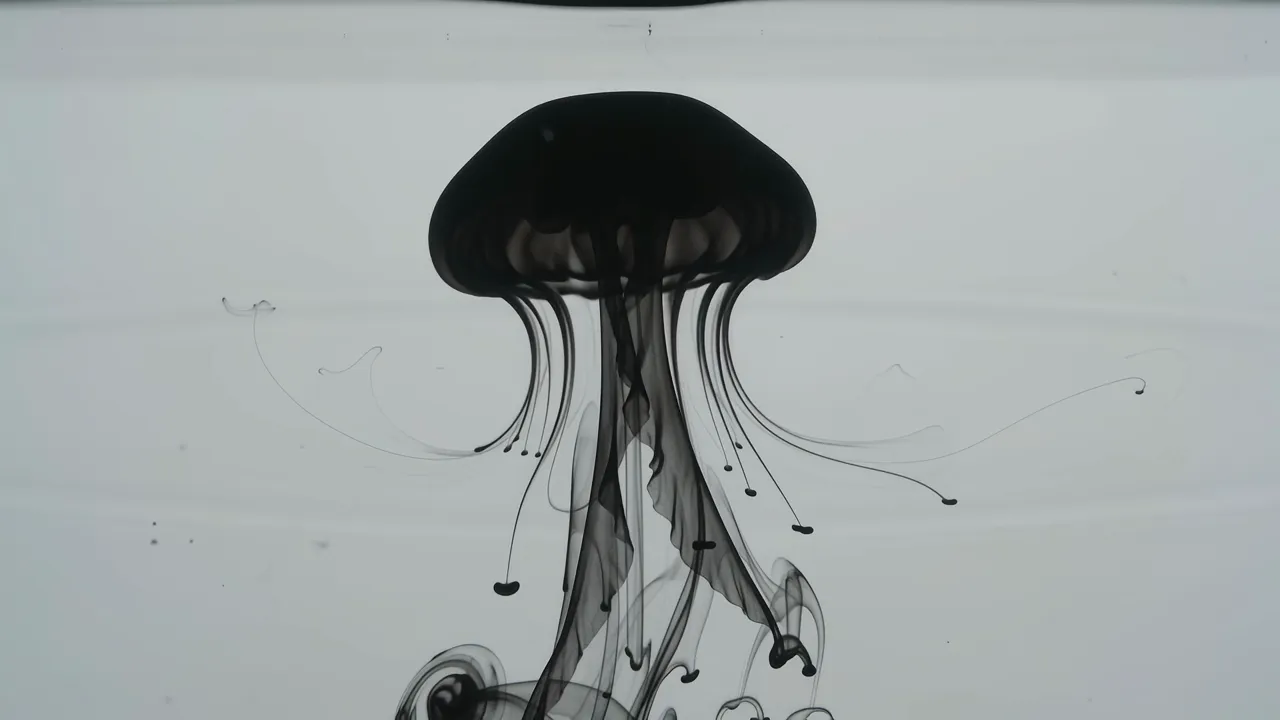
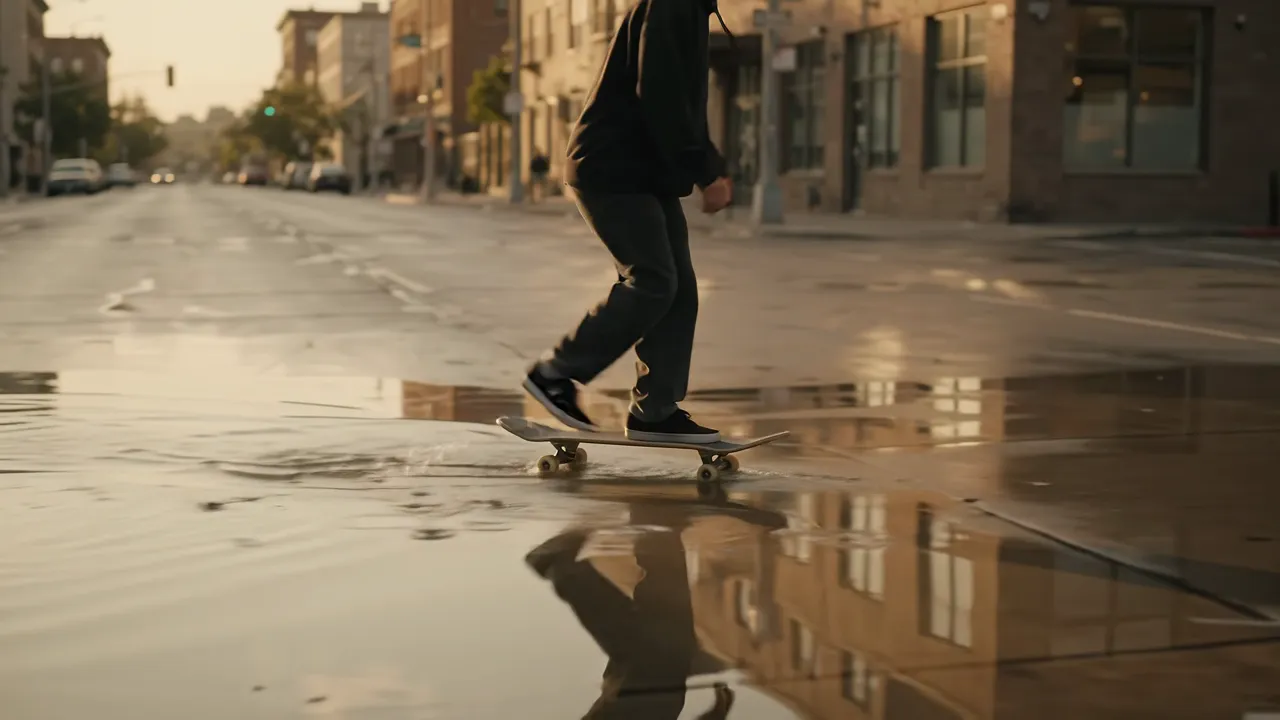
Generating a clip is the easy part now. The hard part is what comes after: the file lands in your downloads folder at six seconds long, and the thing you are actually making needs a trim, a caption, and four other shots around it.
Chat Octopus generates clips from three to ten seconds, in the shape you need: 16:9 for YouTube, or 9:16 for vertical. The free plan generates at 360p, paid plans up to 1080p, and 4K is coming soon. Sound comes with every clip. What you get back is a plain MP4 with no logo of ours across it.
Ten seconds is the cap on a single clip, not on what you can make. A described clip can be extended a few seconds at a time, up to about forty. Describe the sequence you want and Chat Octopus works out the shots it needs, generates them, and stitches them into one video. Independent shots run at the same time, so a batch of cutaways comes back in roughly the time one of them takes. The assembly is the part that actually eats your afternoon, and it happens here rather than in your editor.
Short is not a consolation prize once you know where a shot goes. Four seconds is a B-roll cutaway. Eight seconds is an intro sting, or a background plate sitting behind your title text. And because the clips arrive inside the conversation, you keep working. Trim the first second, add a caption, drop a voiceover over it, then cut it together with the footage you shot yourself.
You do not have to start from a blank prompt. Hand Chat Octopus up to four reference images and it generates from those instead: your product photo pushes in slowly rather than sitting still, or a subject you supply walks into a scene that never existed. Photos of real people work here, so "make this picture of us move" is a thing you can ask for, though any edit or animation involving a real person is blocked for accounts in the EEA, Switzerland and the UK. Image-led clips run three to ten seconds.
A marketer who needs a product-launch teaser animates the product photo they already have, then lays the logo and voiceover on top without leaving the thread. An editor missing one establishing shot generates a city skyline at dusk instead of buying stock. A creator building a vertical short generates a looping background plate and stacks captions over it.
Be clear about the ceiling. A single call maxes out at ten seconds, and at 360p on the free plan or 1080p on a paid one. Reference images steady a subject's look across a sequence, but they will not hold a face as still as a continuous take, so a stitched run reads as a set of shots rather than one unbroken scene. Video generation also needs an Apple or Google sign-in: accounts made with an email and password cannot use it, though every other tool still works. If you need a shot you cannot shoot, like a rocket lifting off or ink blooming through water, that is what this is for.
How it works
- 01
Describe the shot and pick a length from three to ten seconds
- 02
Get a clean MP4 back in the aspect ratio you asked for
- 03
Trim it, caption it, or cut it into a longer edit in the same chat
Frequently asked questions
How long can the generated video be?
A single clip runs three to ten seconds, and a described clip can be extended a few seconds at a time up to about forty. Ask for a sequence and Chat Octopus plans the shots, generates them, and stitches them into a single MP4, so the per-shot limit is not a limit on what you walk away with.
Why do I need an Apple or Google account?
Video generation is only available on accounts created with an Apple or Google sign-in. Accounts created with an email and password cannot use it, though every other tool still works. Signing in with Apple or Google unlocks it.
What resolution and aspect ratios can I get?
Clips come back landscape (16:9) or vertical (9:16), so Reels, Shorts, and TikTok are correctly framed instead of cropped later. The free plan generates at 360p, paid plans at 720p or 1080p, and 4K is coming soon. Editing footage you filmed yourself keeps its own resolution on every plan.
Can I start from my own image instead of a text prompt?
Yes. Give it up to four images and it generates from those: a product photo that starts moving, or a subject carried into a new scene. Photos of real people are fine here, so animating a picture of yourself or your family works, except in the EEA, Switzerland and the UK, where the provider's restriction on editing or animating a real person rules out this and any similar request. Image-led clips run three to ten seconds, the same as a written description.
Is there a watermark, and what does it cost?
We never stamp a logo on your video. The MP4 is clean and ready to drop into an edit, and the free plan brings fresh credits every day you visit.
Can it generate a full video from my script?
Yes, as an assembly rather than one continuous render. Chat Octopus works out the shots your script needs, generates them, and cuts them together with captions, music, and voiceover in the same chat. What it will not do is hold one presenter's face across the whole piece, so it suits shot-led videos rather than a talking head reading your words.