AI Video Editing for YouTubers
The footage is sitting there, unedited, and the list of things it needs before it can go up is the same every week: a cut with the dead air gone, captions, a thumbnail, and probably a vertical cut for Shorts. Upload it and ask for what you need, in whatever order you need it.
Examples
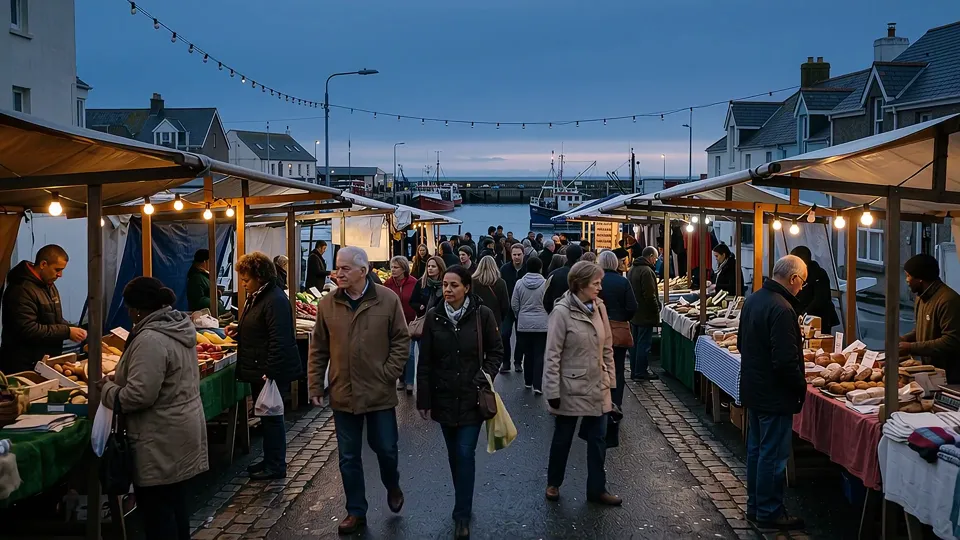
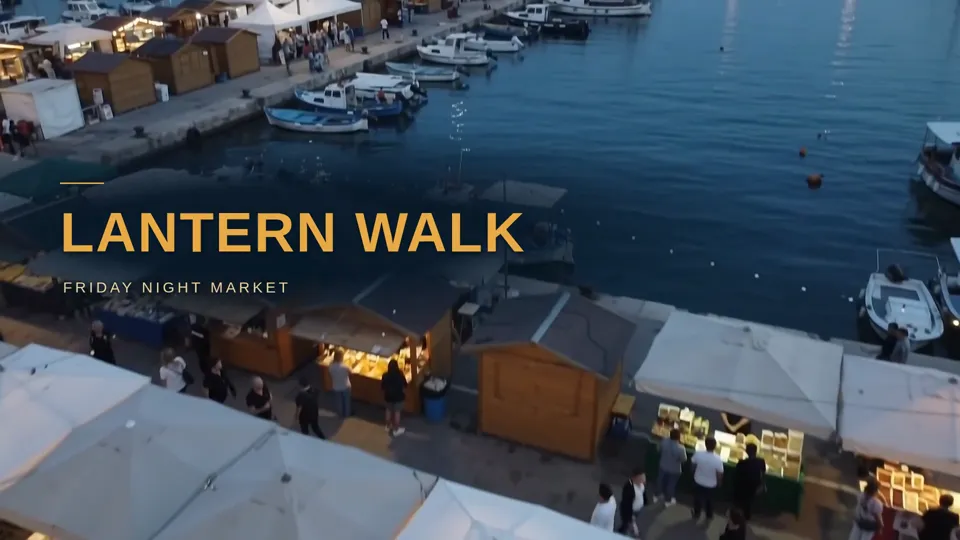 From harbor-lane-night-market-teaser-music-v2.mp4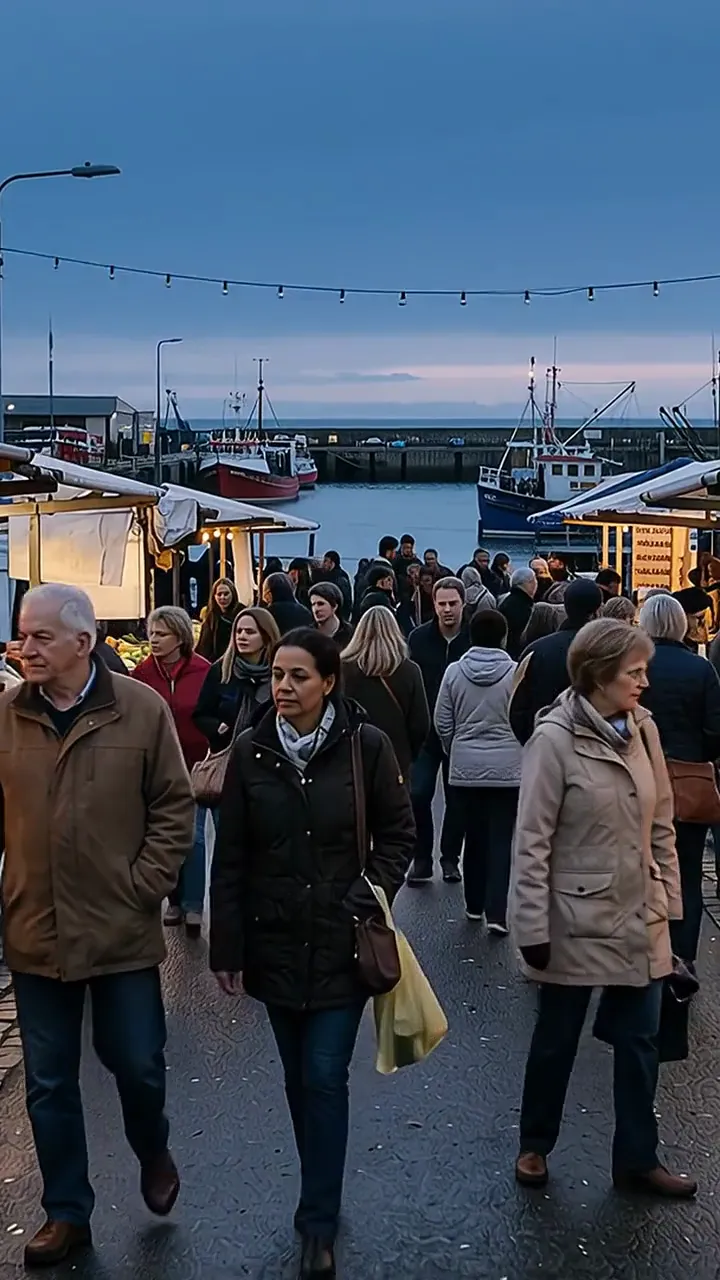
Where does the time between filming and publishing go?
Editing footage yourself costs raw hours. Trimming the dead air, dropping in your intro, matching color between two cameras, none of that goes away here. What changes is who does the repetitive half of it. Say what the cut should do and it happens in the chat, the way you'd redirect an editor sitting next to you: "cut the first ten seconds," "make that transition a hard cut instead," "remove the boom mic that dipped into frame." Changing what's actually sitting in the shot, rather than which parts survive the cut, has a real ceiling worth knowing: MOV or MP4, capped at 200 MB, worked in bursts of three to ten seconds. Trim footage to the moment first, then ask for the change.
Because it's one conversation, Tuesday's edit is still sitting there when you come back Thursday for the thumbnail. Nothing gets re-uploaded. Pull the best clip for a Short out of the same footage, ask for captions on it, then build the thumbnail from a frame in that same file, without opening it in three different programs.
That matters most on a schedule you keep every week. A channel that publishes on Tuesdays does not need a more powerful editor. It needs the video cut, captioned, thumbnailed, and cut down for Shorts, produced from the same footage instead of four separate trips.
What eats the day after you stop filming?
None of it needs more talent. It needs the gap between the record button and the upload button to shrink.
The same edit, every single week
Trim the dead air, add the intro, drop in a vertical cut for Shorts. The sequence repeats every upload, and doing it by hand is still the job, however many times you've done it.
Captions that need a second pass
Auto captions land close, then you're back fixing timing, spelling out a product name, and restyling the text, one video at a time.
The thumbnail is its own project
Finding the right frame, adding text that reads at a glance, adjusting the contrast so it doesn't disappear next to the video it's competing with: that's a project of its own tacked onto the end of a longer one.
Repurposing means re-editing
Turning one upload into a handful of Shorts and TikToks usually means opening a second timeline and starting again, not reusing the work you already did.
What can you hand off before the next upload?
Each one below runs in the same conversation as the edit, so none of it means opening a second tab.
Subtitle generation and styling
Captions come back timed to the word, not the line, in minutes rather than the twenty you'd spend nudging keyframes by hand. Save a look once, as a note in your library, and it applies to the next upload by default. It's a strong preference, not a lock: describe something different for one video and only that one changes.
Thumbnail creation from video frames
Four options come back from one request, each one betting on a different reason a stranger stops scrolling, at 1280x720 with no logo of ours on it. Frames are pulled from the middle of the video by default. If the reaction you want sits right at the open or the very end, name the timestamp and that exact frame gets used.
Long-form to Shorts repurposing
The vertical reframe follows whoever's talking rather than holding a fixed crop, so a two-person conversation stays on the person actually speaking as the cut moves between them. Captions default to a spot that stays clear of the app's own buttons.
AI voiceover
Paste a script and describe the read you want, warm, or firm and clinical, and narration comes back without booking a session. Lay it over B-roll, the cutaway footage that fills the screen while your voice keeps talking, and it sits ready in the same conversation, no separate export.
Audio cleanup and normalization
Steady background noise, a fan, a hum under the whole take, comes off with a gentle enough hand that a slightly imperfect voice beats a processed one. Ask for a lighter or heavier pass in the same thread and nothing needs re-uploading.
What does a week with it actually look like?
- 01
Weekly video edit
Upload the raw footage and ask for the cut you want: dead air gone, your intro and outro in place, captions on, exported. One conversation start to finish.
- 02
Script to Short
Paste in a script or an article and a vertical video comes back with text on screen, transitions, and a music bed underneath, ready for Shorts, TikTok, or Reels.
- 03
Thumbnail options from the video itself
Point to the finished video, or name the moment with the reaction you want, and four thumbnail directions come back at once, each one betting on something different: a face mid-reaction, a bold claim, plain text for a serious topic.
- 04
Episode highlight reel
Point to a long recording, a podcast or an interview, and ask for the strongest sixty seconds. Captions get added in the same request, ready to post.
What YouTubers ask before they upload footage
Do I need to know video editing to use this?
No. Describe the result you want in plain English and it gets done. If a request is ambiguous, it asks before it guesses rather than after.
Can I reuse my own intro and outro clips?
Upload them once and mention them by name in a request, and they splice in at the point you say. Point to the same files again next week rather than uploading them a second time.
Is there a limit on the footage you can send it?
For cutting, trimming, and merging, no. If it plays on your machine, upload it, however long it runs. One place a ceiling shows up: asking it to watch the footage and describe what's in it caps out around thirty minutes per pass, and past 200 MB you point it at a section instead of the whole file, 'what happens between twenty and forty minutes,' say, and it reads just that.
How does the Shorts repurposing actually work?
Point to a stretch of the long-form video, or ask it to find the strongest moments itself, and it reframes to 9:16, following whoever's speaking rather than holding a fixed crop, and positions the captions to clear the app's own buttons.
Does a project stay put if I come back to it next week?
Yes. Reopen the conversation any time to add a cut, change a caption, or export a different format. Nothing about it expires.