AI Audio and Video for Podcasters
The recording just ended, and everything that makes an episode an episode still has to happen: cut the dead air, level two mismatched mics, pull the clips worth posting, write the notes. Upload the raw file and start with whichever one of those is first on your list.
One chat, start to finish.
Keep asking in the same chat. Your files stay at hand.
- servers-down-conversation.wav
- servers-down-conversation-female-host.wav
- servers-down-conversation-transcript.txt
 0:20
0:20- true-crime-cello-title-theme.wav
- Done
Where does an episode actually lose you the most time?
Recording is the easy part. What comes after runs longer: clean the audio, generate a transcript, pull the clips, write the notes, publish the page. Upload the raw episode once and ask for each of those in turn. Here's what actually happens to a long file on the way to a transcript: once you're past roughly thirteen minutes, it gets sliced into eight-minute chunks, each chunk read on its own, then rejoined on the clock from your original recording, so a two-hour episode still comes back as a single transcript instead of pieces you'd have to stitch together by hand.
Ask for the filler words cut and it works from the same word-level timing the transcript already has: every "um" and "so, yeah" carries a timestamp, and the ones you ask to lose come out of the audio and the video together. Recorded video and audio on separate devices in the same session, the way most video podcast setups work? Upload both and ask for them synced; the audio track gets aligned to the picture in the same request.
The parts stay connected because they're one conversation instead of five separate tools. The quote you pull for the show notes is the same line the teaser clip gets built around, and the teaser clip is what the episode art ends up referencing. None of this needs a bigger studio. It needs the file to go from raw to published without a relay race between apps.
Where does the post-production hour actually go?
None of it is a skill you're missing. It's five jobs stacked after the one job you actually sat down to do, which was talk.
Editing outlasts the conversation itself
A good recording still needs the dead air cut, the audio leveled, the filler words gone, and the intro spliced in before anyone can listen to it. That work does not shrink just because the conversation was good.
Clips are a second production
Pulling the strongest minute out of an episode, captioning it, and reframing it for vertical video is close to a separate project on its own. Most episodes never get clipped because the effort doesn't fit the week.
Transcripts still need a pass
An automatic transcript reads clean on ordinary words and comes back wrong on names and product terms, the exact words a listener would search for. Fixing those by hand is the part that's supposed to be automatic and isn't.
Show notes get rushed
By the time an episode is edited, writing a real description, pulling the quotable lines, and building chapter timestamps feels like homework tacked onto a job that already ended. It gets shortened or skipped.
What can you hand the episode once it's recorded?
Each one below works from the same raw file, in the same conversation, so nothing gets uploaded twice.
Dead-air detection and filler removal
Silence gets marked and, on request, tightened automatically. Filler stretches get flagged with a reason instead of cut outright, so which ones actually go stays your call.
Transcript generation and cleanup
Every word in the transcript carries its own timestamp, not just each line, so a follow-up question weeks later gets answered straight from the recording instead of a scrub through the audio. Say the correct spelling of a name once, ideally before the first pass runs, and it comes back right instead of needing a fix afterward.
Audiograms
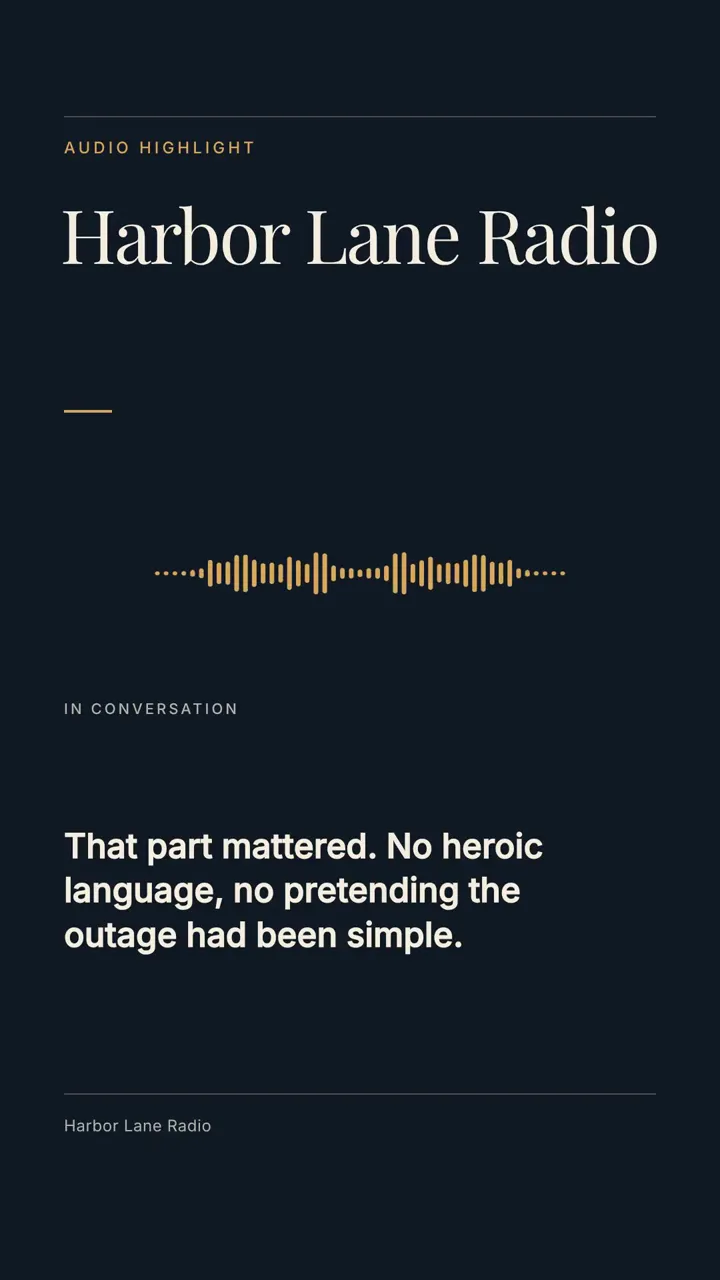
Pull the sharpest quote from the episode and turn it into an audiogram: a vertical clip built around the audio itself, the waveform moving under your show's branding, the line captioned across the middle of the frame, sized for a feed that scrolls past audio-only posts without noticing them.
Audio cleanup
Two voices rarely record at the same volume, so the quieter one gets brought up to meet the louder one before anything else happens. From there the whole episode is pushed to around -16 LUFS, the loudness streaming platforms and podcast apps are tuned for, which is why nobody has to touch the volume dial switching from your show to the next. Long pauses shrink too, roughly 700 milliseconds trimmed down to about 300, while an ordinary breath is left alone. None of this is mastering a music track. It's a pass built for spoken word, and it doesn't claim to be more than that.
Clip repurposing for social
Vertical reframing tracks whoever has the floor rather than sitting on a fixed center crop, so a two-person conversation follows the speaker as it cuts back and forth between them. Captions stay clear of the buttons the app draws over the frame, no extra step needed to move them.
What does episode day actually look like?
- 01
Episode post-production
Upload the raw recording and ask for it cleaned up: dead air out, speakers leveled, intro and outro spliced in. The finished episode comes back ready for the feed.
- 02
Clip package for social
Point to the episode, published or still raw, and the strongest moments come back as thirty-to-sixty-second vertical clips with captions on, each one framed on whoever's talking.
- 03
Transcript to show notes
Once the transcript is generated, ask for the key topics, the quotable lines, and chapter timestamps pulled into a structured document. It reads the transcript, not a summary of it, so a quote comes back exact.
- 04
Video podcast edit
Upload the video and the audio from the recording session and ask for them synced. Dead sections come out, captions go on, and a finished video episode comes back in one pass.
What podcasters ask before the first episode goes up
What audio formats does it read?
MP3, WAV, FLAC, M4A, OGG, and most of what a recorder or a DAW exports. If your gear made the file, it can probably read it.
Can it tell two speakers apart?
Not by voice, no. What comes back is words and lines with their timings attached, no name assigned to any of it. Ask it to guess who's speaking anyway and you get an answer worked out from the content of what was said, never from the sound of a voice, so you're the one who verifies it. That verification is quick on a two-person interview where the roles are obvious, one asking questions and one answering them. For a group conversation, or anything you need to trust without checking, record each guest to a separate track and transcribe the files one at a time.
How accurate is the transcription?
Accuracy depends on the recording: one clear voice comes back readable, and the mistakes cluster on names and product terms. Give the spellings in your first message and they arrive correct, or say the fix in the same conversation and the transcript updates.
Can I reuse the same intro and outro every episode?
Attach them once, and after that just say 'add my usual intro and outro' rather than uploading the files again each time. They splice in at whatever point you name.
Does this work for video podcasts, not just audio?
Yes. Upload the video, or the video and the separate audio track from the same session, and ask for the audio synced to the picture. Cuts, captions, and cleanup all work the same way after that, audio-only or video, in the same conversation.