Make a YouTube Thumbnail
You uploaded the video an hour ago. The thumbnail is the last field on the form, and it's the one deciding whether anyone opens the video at all.
Try asking
One chat, start to finish.
Keep asking in the same chat. Your files stay at hand.
 0:06
0:06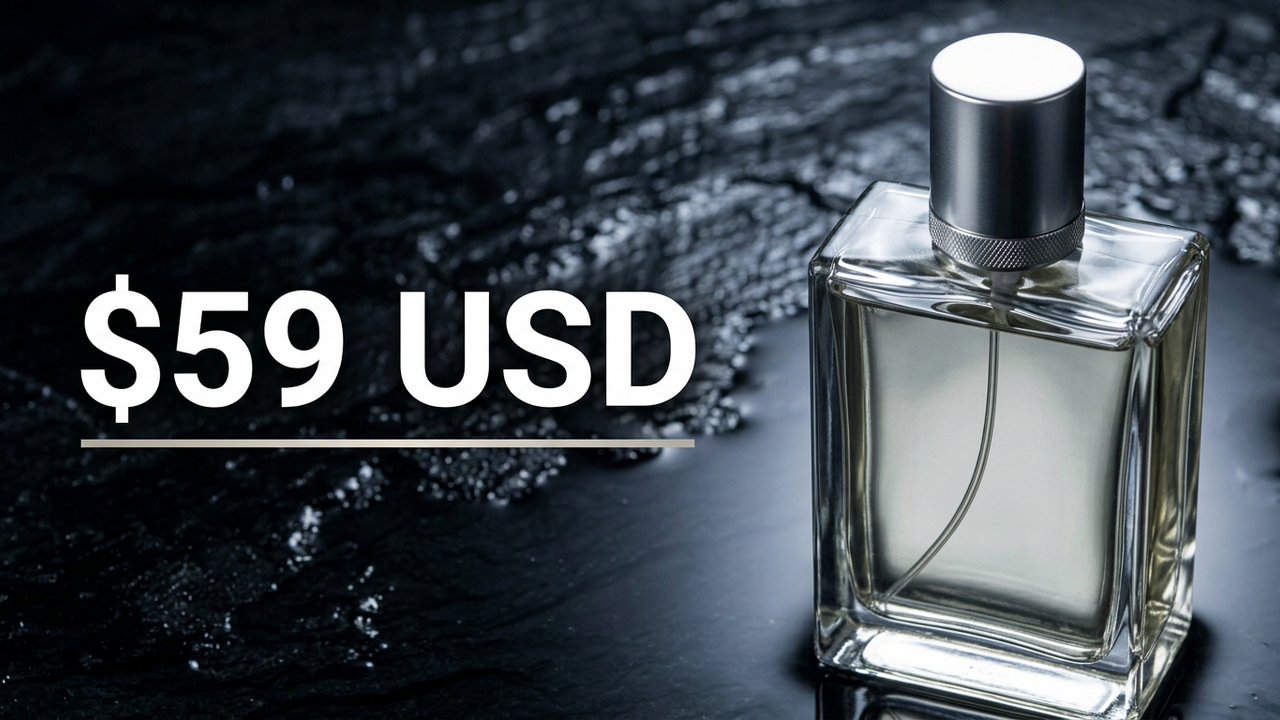
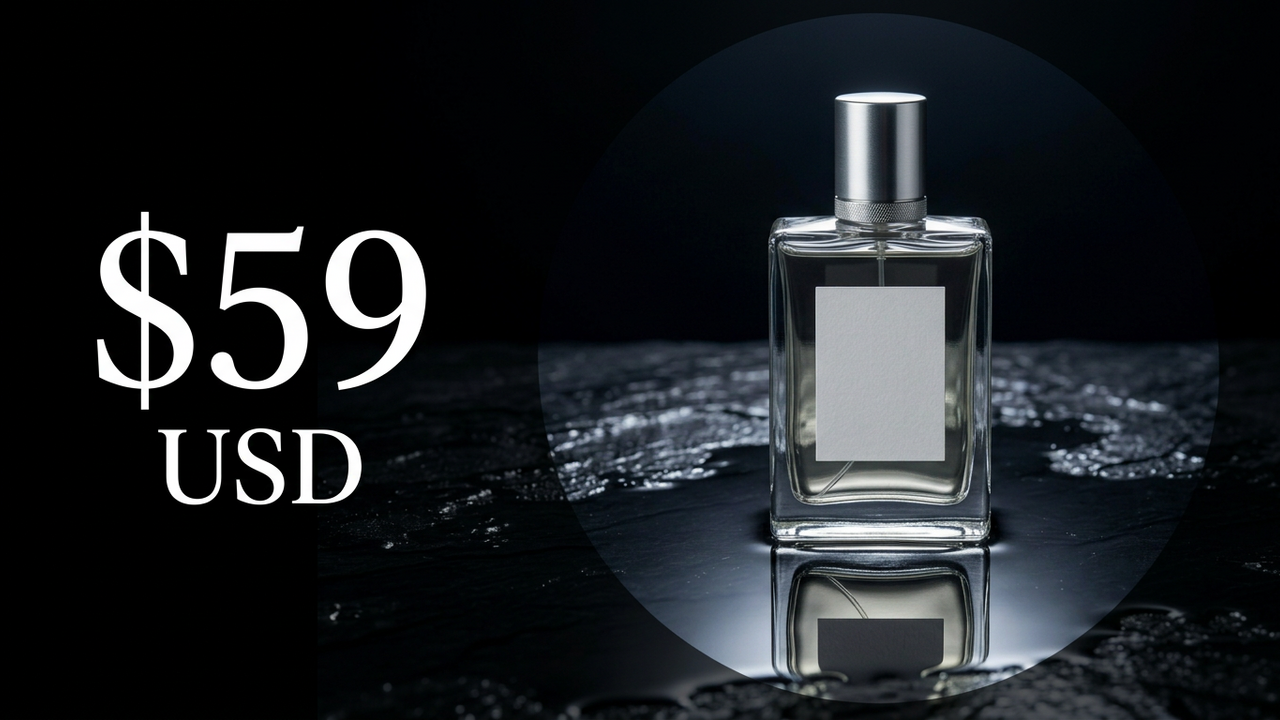
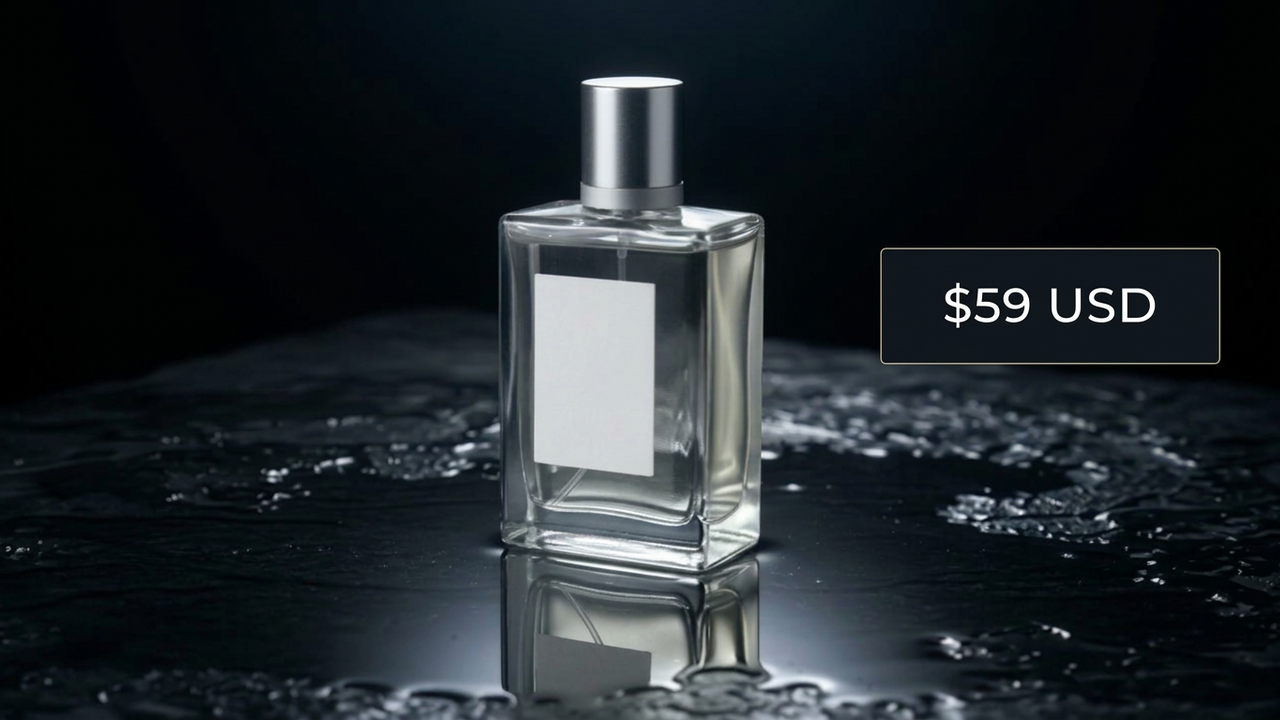
- Done
Ask for a thumbnail and four distinct options come back, not four versions of the same idea. Each one bets on a different hook, the single reason a stranger's thumb stops scrolling: a face caught mid-reaction, a claim that sounds unlikely, something deliberately withheld, a plain and mostly-text option for a more serious subject. One sentence sits under each, saying which bet it is making.
Every option comes back as a 1280x720 PNG, YouTube's standard thumbnail size, with no logo of ours on it.
Starting from nothing
With no footage to draw from, the path is different. Expect one question first, either the title or a face photo, before the four options generate: a video and a blank page do not hand over the same starting material, so it needs to know which one you are giving it.
Getting the right frame
Hand over the video and frames get read from across the middle of the file, stepping around the very opening and the very end. A moment right at the start or in the last few seconds will not get picked up on its own; name the time instead, "the good reaction is at 4:10," and that exact frame gets pulled.
Need a different shape than the default? Ask the generator for it directly, or crop the 1280x720 version down yourself once it is back. Both work; the second is faster once you already like the picture.
What refining costs you
Crop it, resize it, or brighten it, and only the file changes. Ask it to change what is actually in the picture instead, a different background, bigger text, an angrier expression, and the whole thing gets made again from the one you have. You get the same idea back, not the same pixels, and small details can shift near the change. One change at a time keeps the rest of it stable. Chat Octopus draws the words into the image rather than typing them in a font, so read them on the result before you publish.
What it won't do
There is no layers panel to open somewhere else, and no words to click and retype somewhere else once they are drawn in. That is fine while the next change is still a sentence here, and a real dead end if a designer is picking up the file next.
Read that one sentence under each option before you pick. It is what turns a vague "try again" into a specific note, once you know what each version was betting on and why.
How it works
- 01
Upload a video, or describe the thumbnail from scratch
- 02
Refine the text, colors, and layout through conversation
- 03
Download it at 1280x720, ready for upload
Frequently asked questions
Can it pull frames from a video?
Yes. It samples across the middle of the file rather than the very first or last few seconds, so a moment right at the open or close needs naming. Say the time and that exact frame gets pulled instead.
What output sizes are supported?
1280x720 by default, as a PNG. Need something else? Ask the generator for that shape directly, or crop the default version down yourself once it is back.
Can I add text overlays?
Yes, though Chat Octopus draws the words into the picture rather than laying them over it as an editable layer. Say what the text should be and how it should sit, then check it on the result. Drawn letters can double or lose an ending sometimes, and the fix is just another pass.
Can I create multiple variations at once?
Yes, that is the default. Every request for thumbnails comes back with four options rather than one, each betting on a different hook. Ask for more, or refine just one of the four, and that is exactly what you get. Good for picking the strongest option or running an A/B test.