





Videos, captions, and thumbnails.
An AI agent for content creators
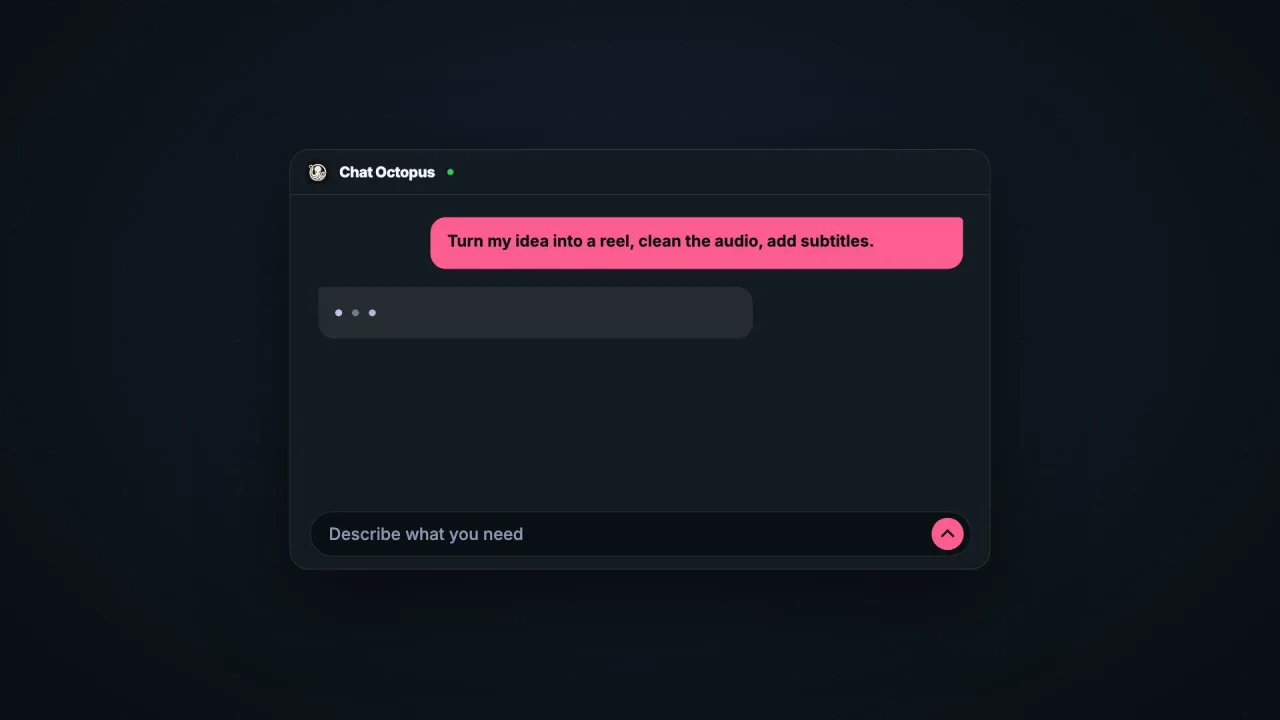
Type what you want. Download the finished work.
Videos, images, audio, and documents. One chat.
Make a thirty-second product video for chatoctopus.com. Show one request becoming a finished reel, then end on the tagline.
Done. Thirty-six seconds, 1080p, in your colors.
 0:36
0:3601A whole job
One chat, start to finish.
Keep asking in the same chat. Your files stay at hand.

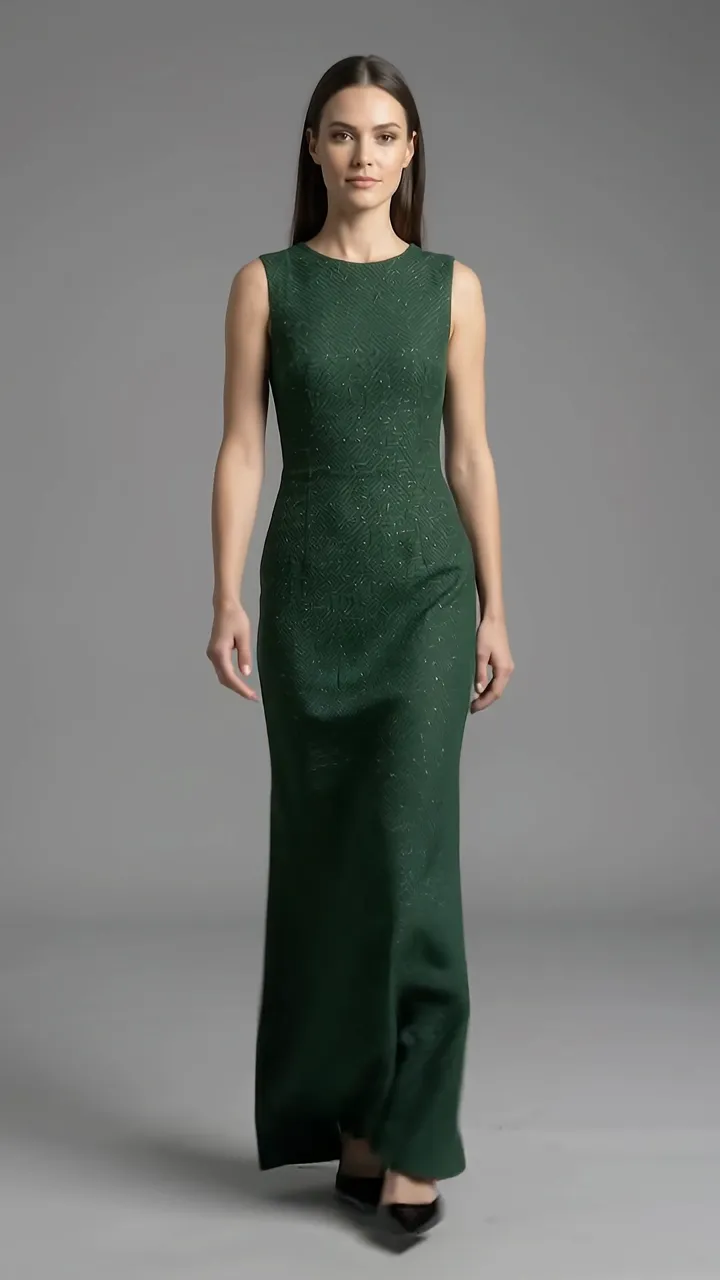 0:06
0:06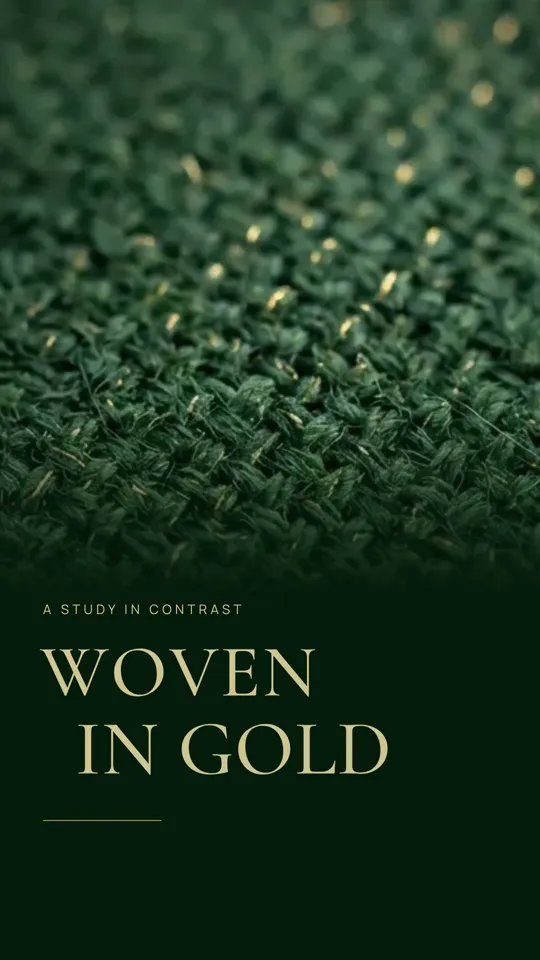 0:12
0:12- Done
02Image generation
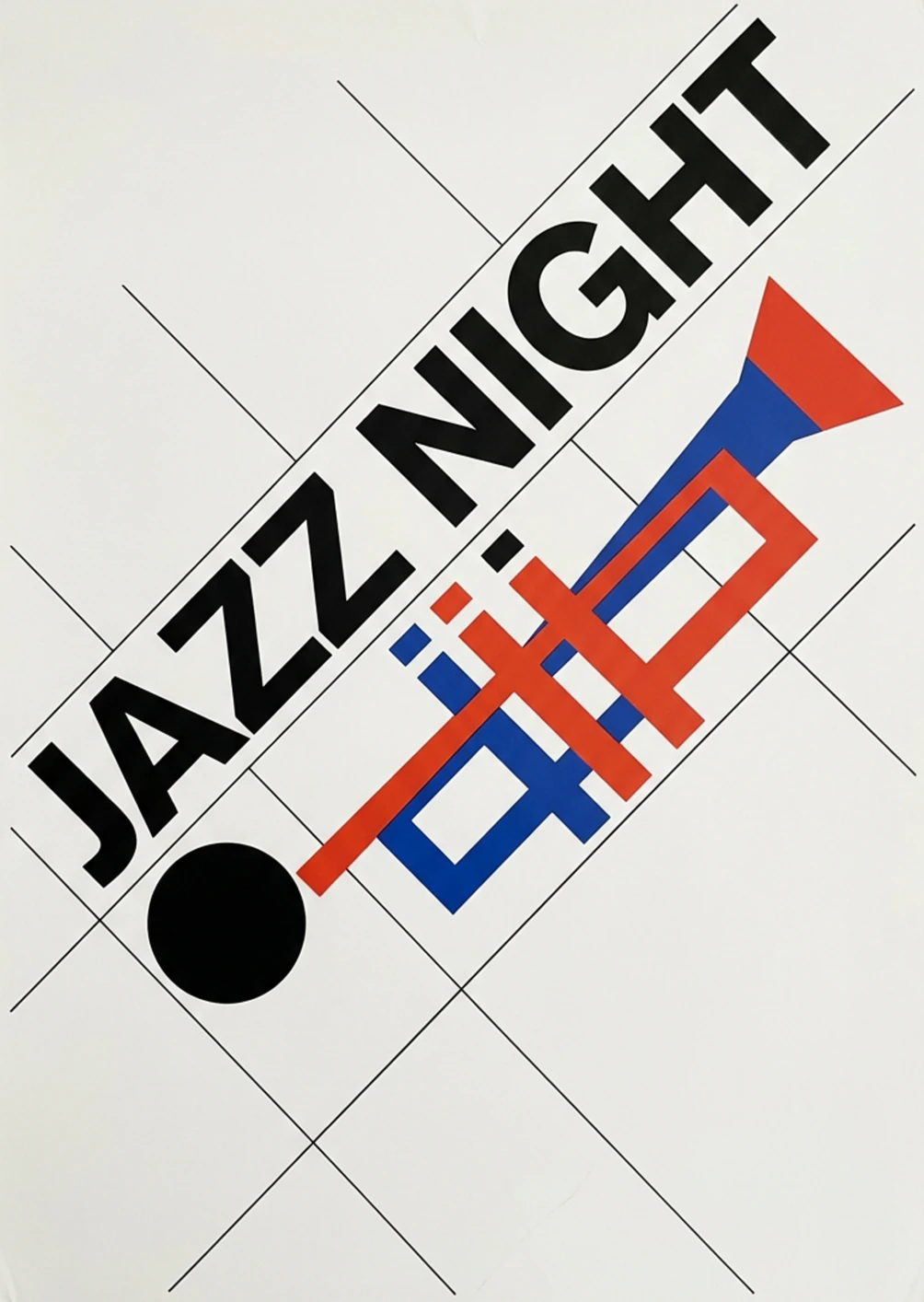
Create images from a description.
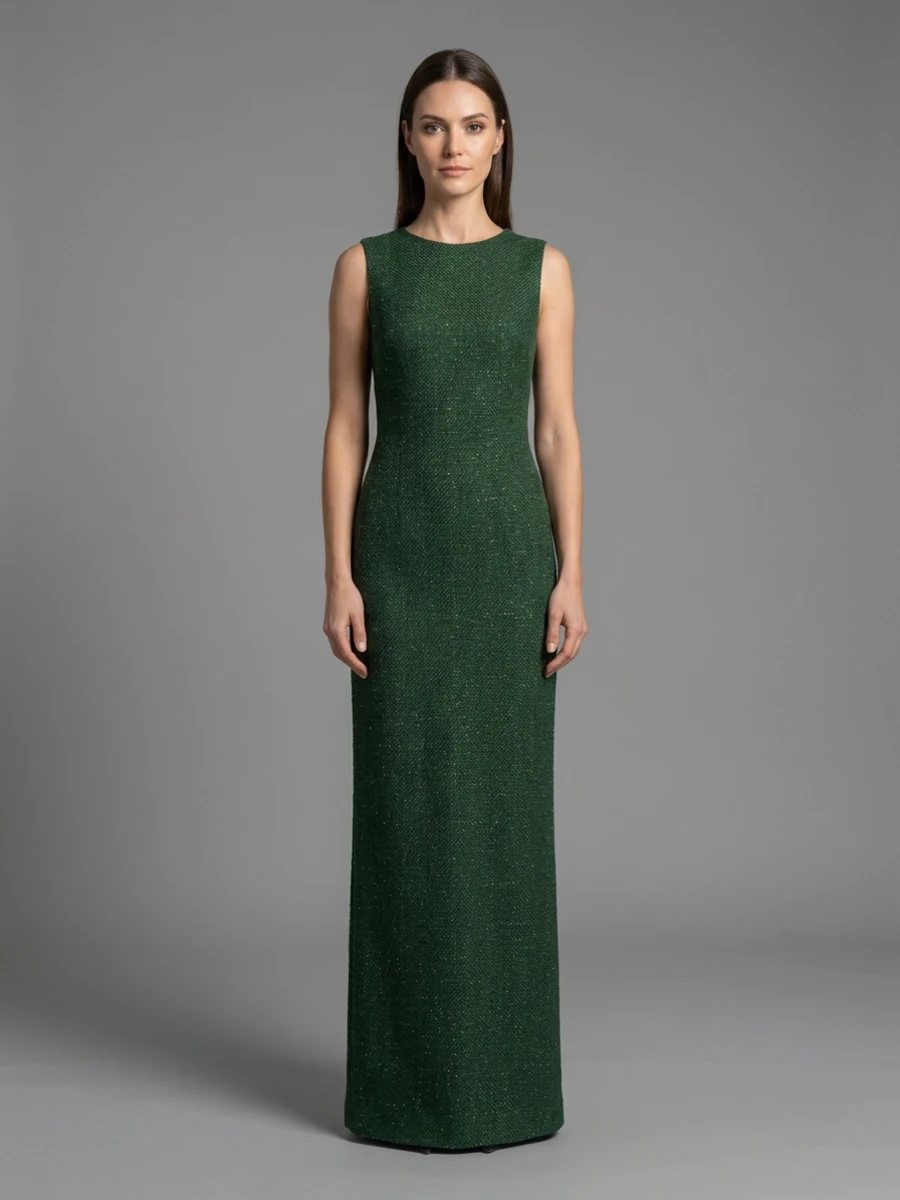
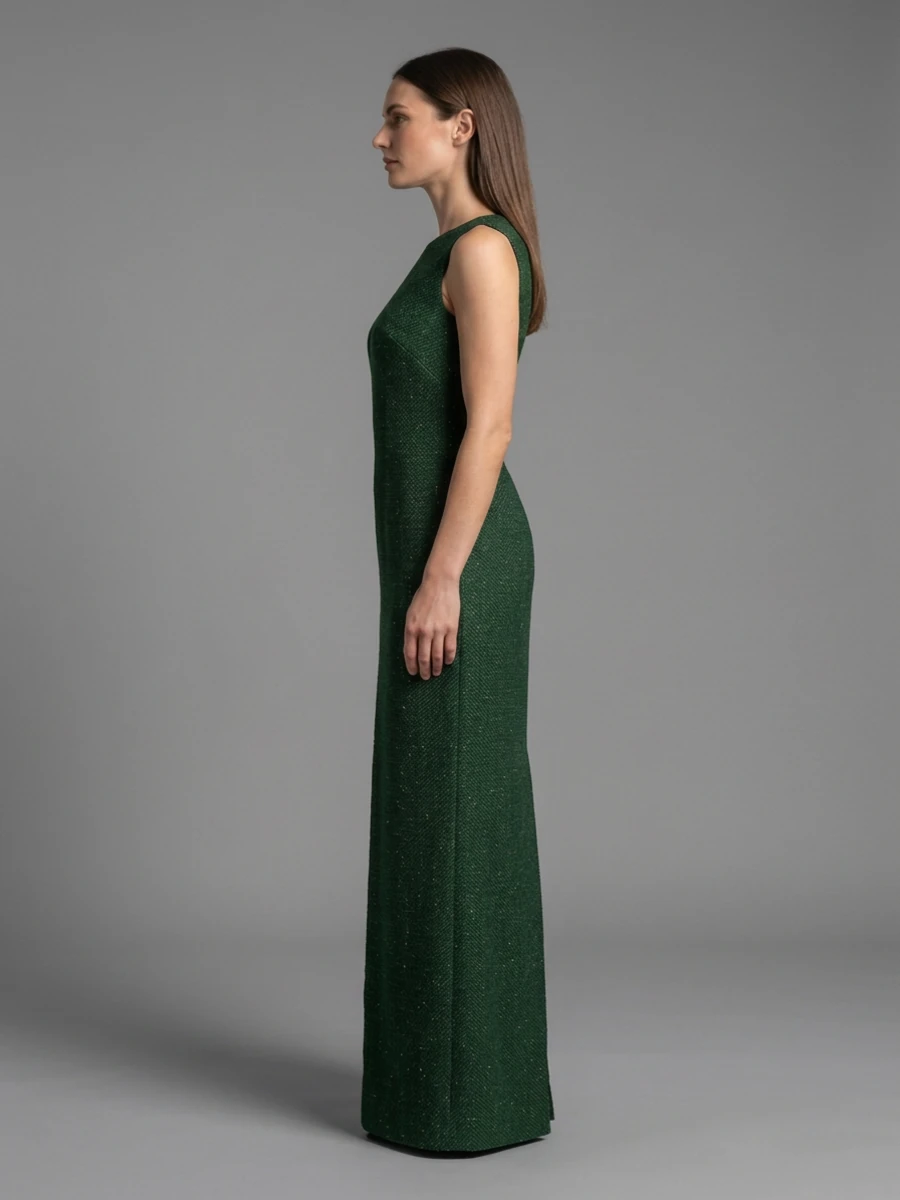
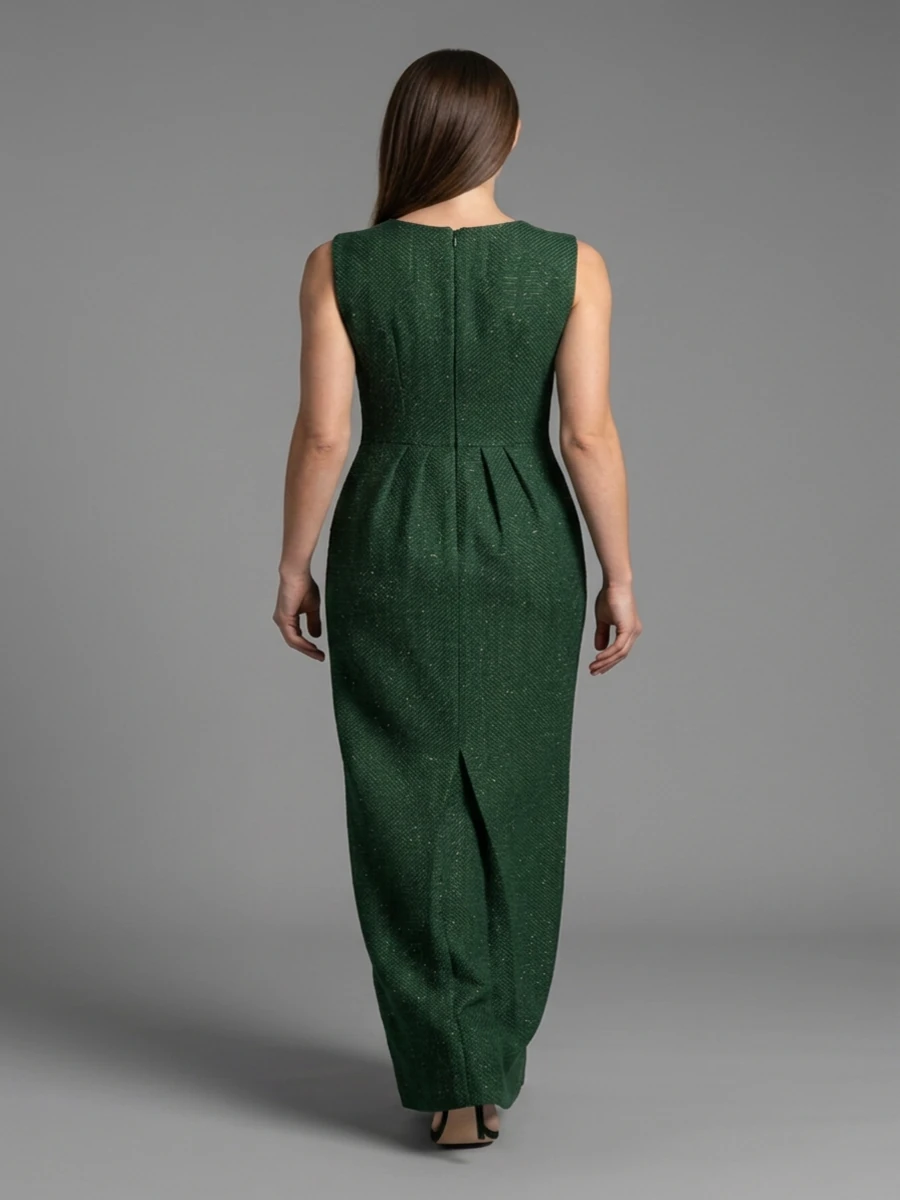
A campaign shot, a poster, cover art. Or start from something you already have, like a fabric swatch.
Browse all tools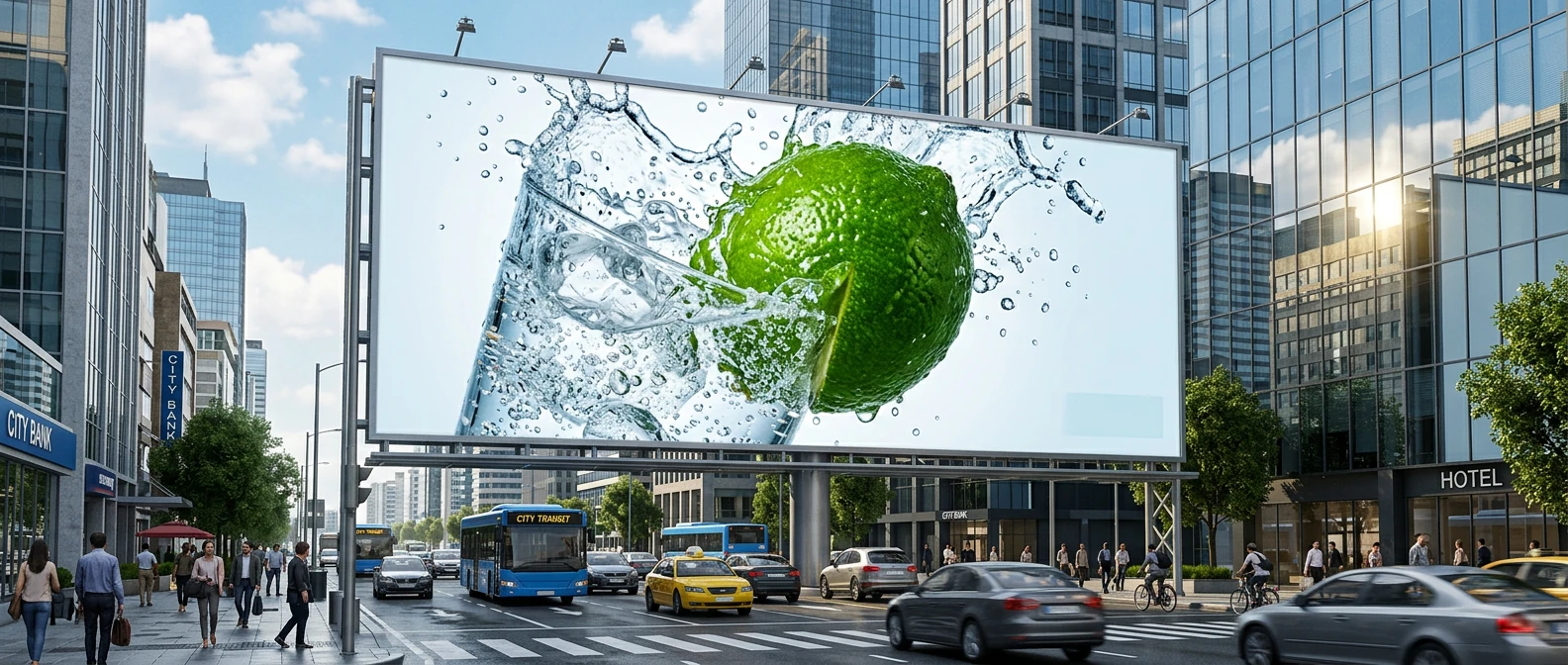



03Image editing
Describe the changes to your image.
Relight it, clear the crowd, change the season, add a sign. Start with your image and say what you want to change.
Browse all tools
 BeforeAfter
 BeforeAfter
 BeforeAfter
 BeforeAfter
Drag to compare. Arrow keys work too.
04Video generation
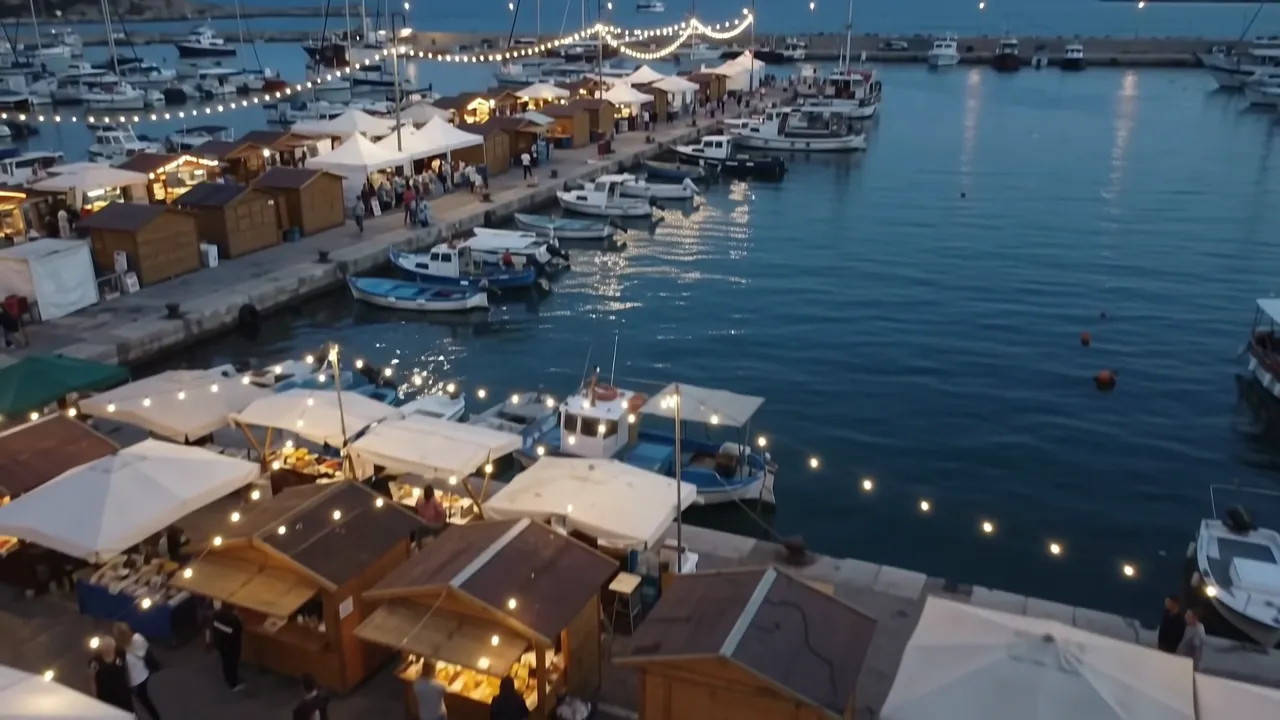
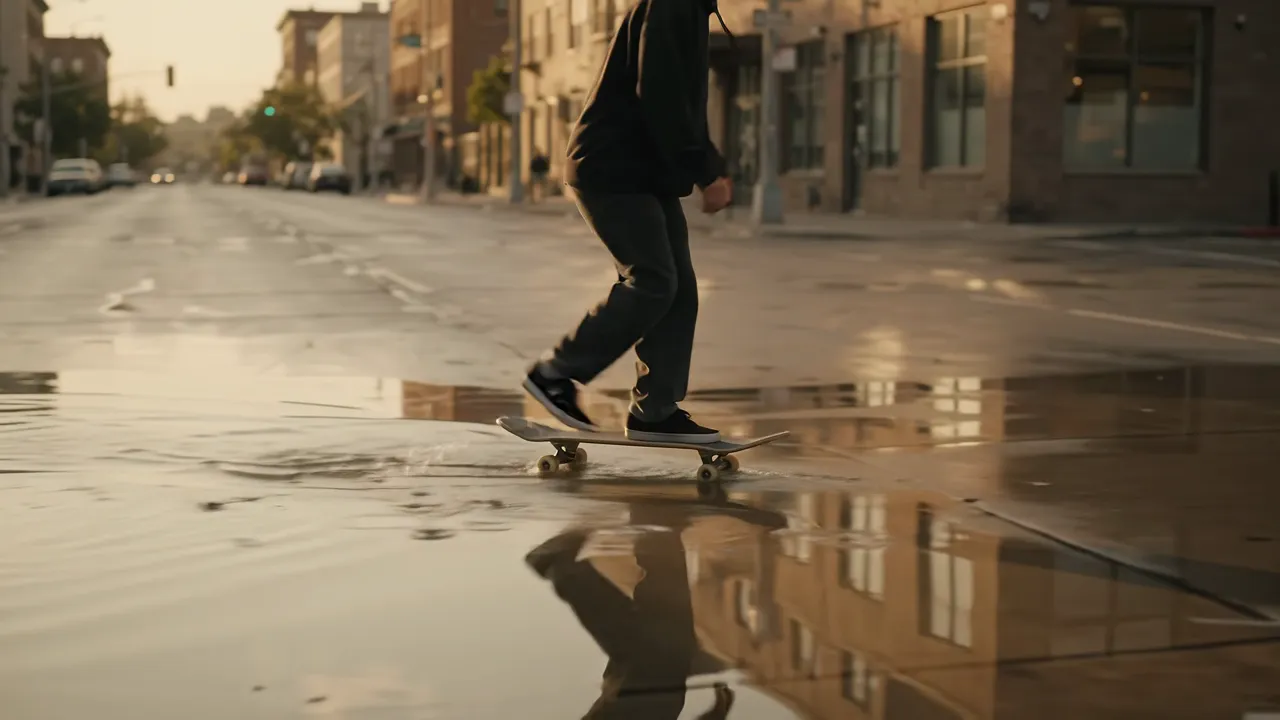
Create video from a description.
A scene, a camera move, or a still you already made, set in motion.
Try the AI video generator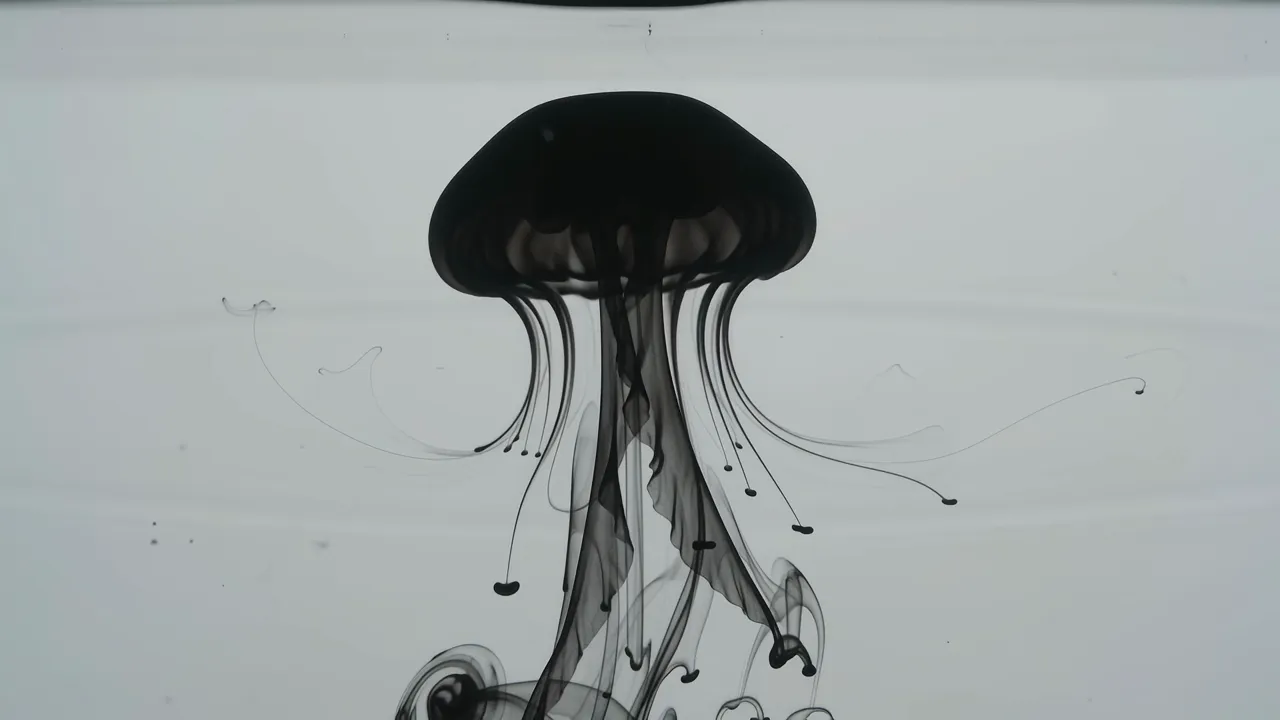
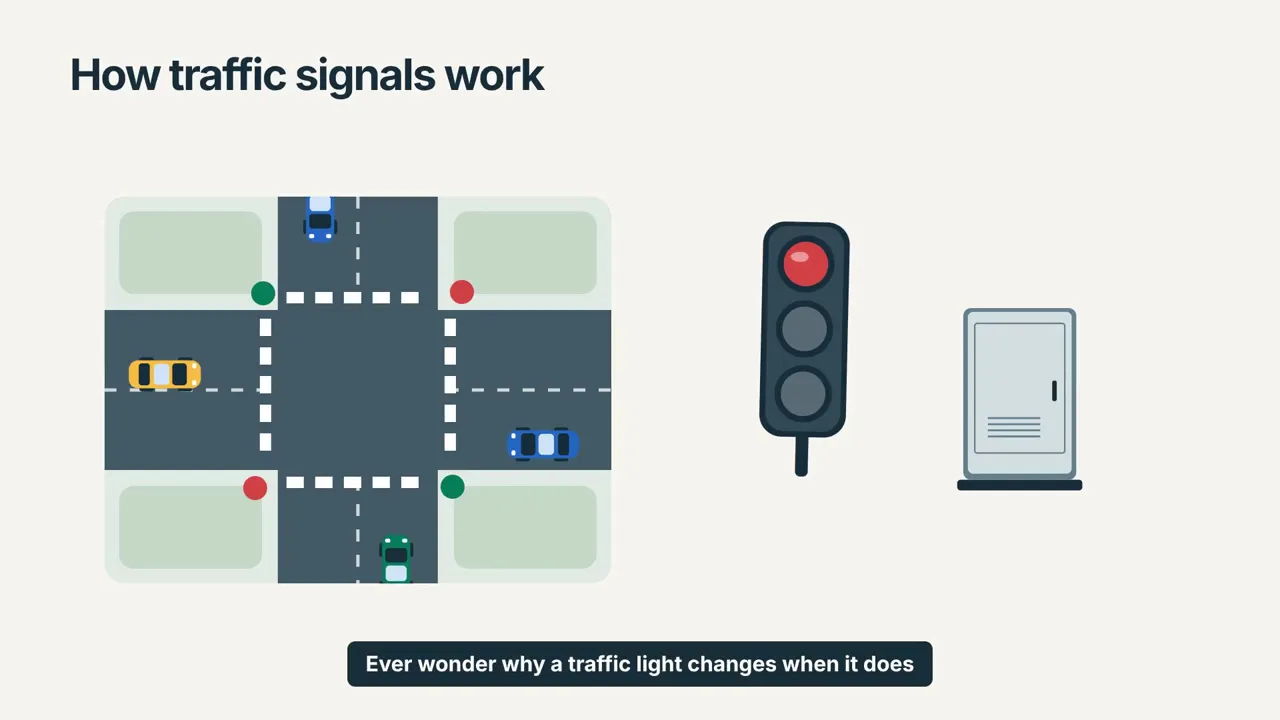
05Motion graphics
Motion graphics from a sentence.
Intros, overlays, product videos, explainers. Type, shapes, and motion, rendered to your colors.
Browse all tools
06Video editing
Edit video by describing the cut.
Choose the parts to keep. Add captions, music, animated titles. Reframe it, turn day to night, bring in colour.
Try the AI video editor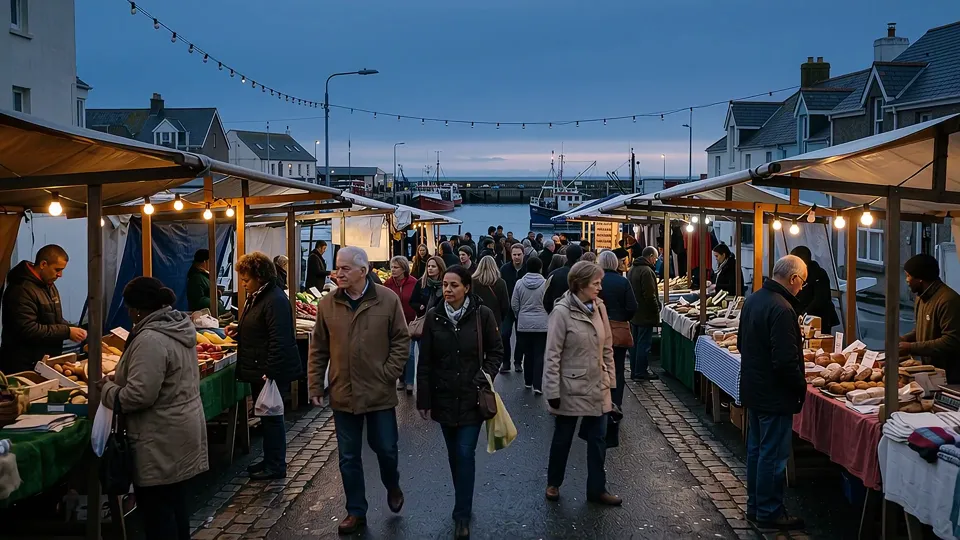
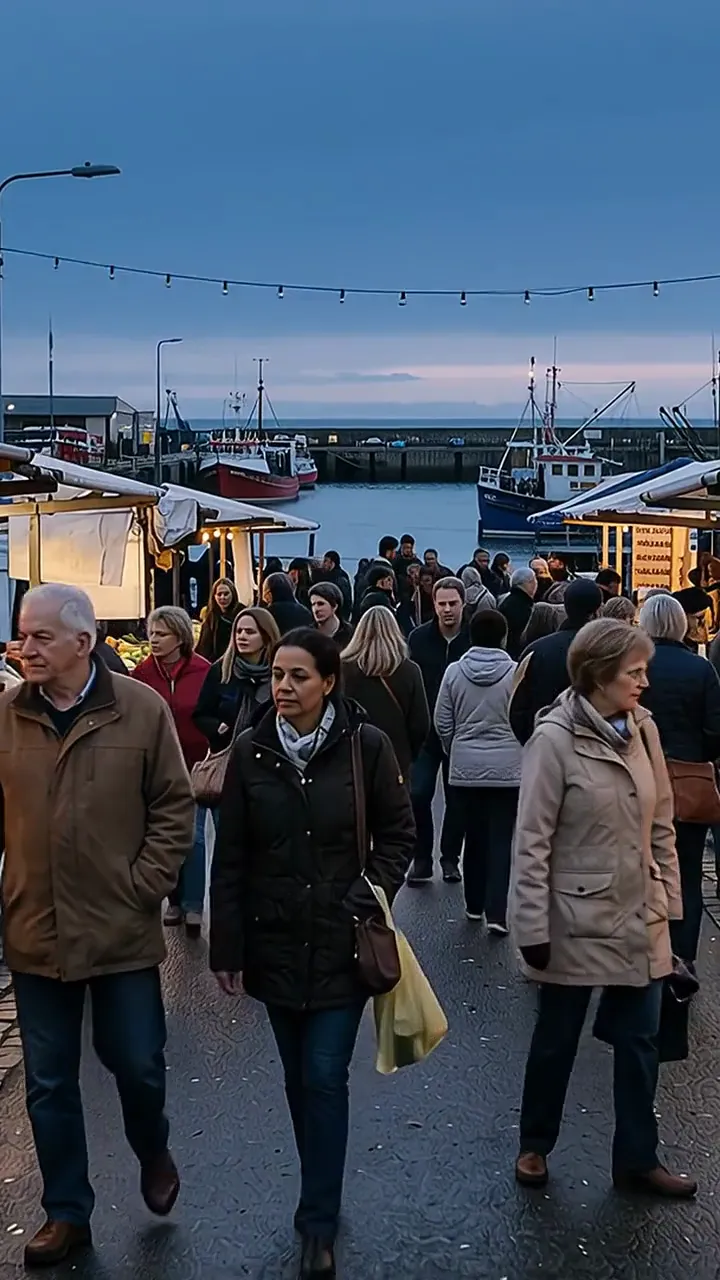
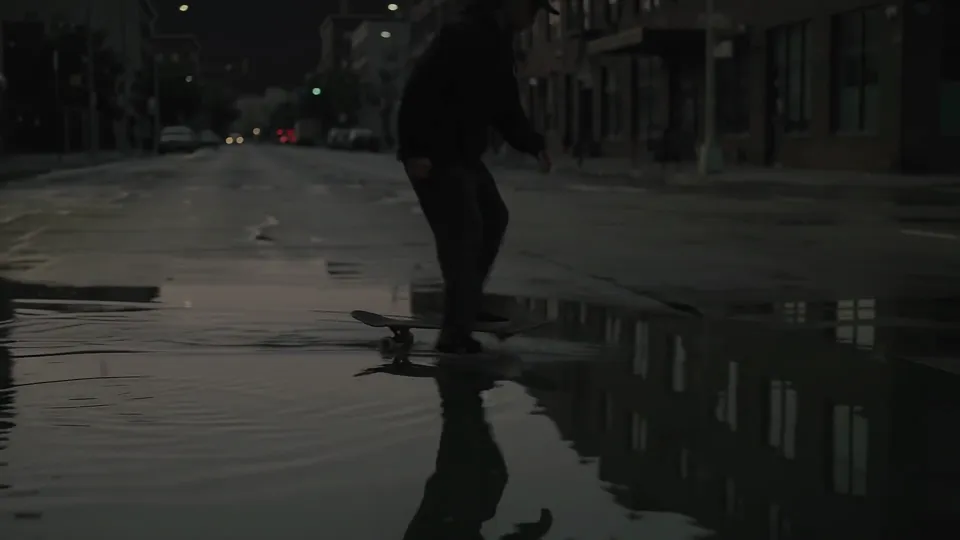 BeforeAfter
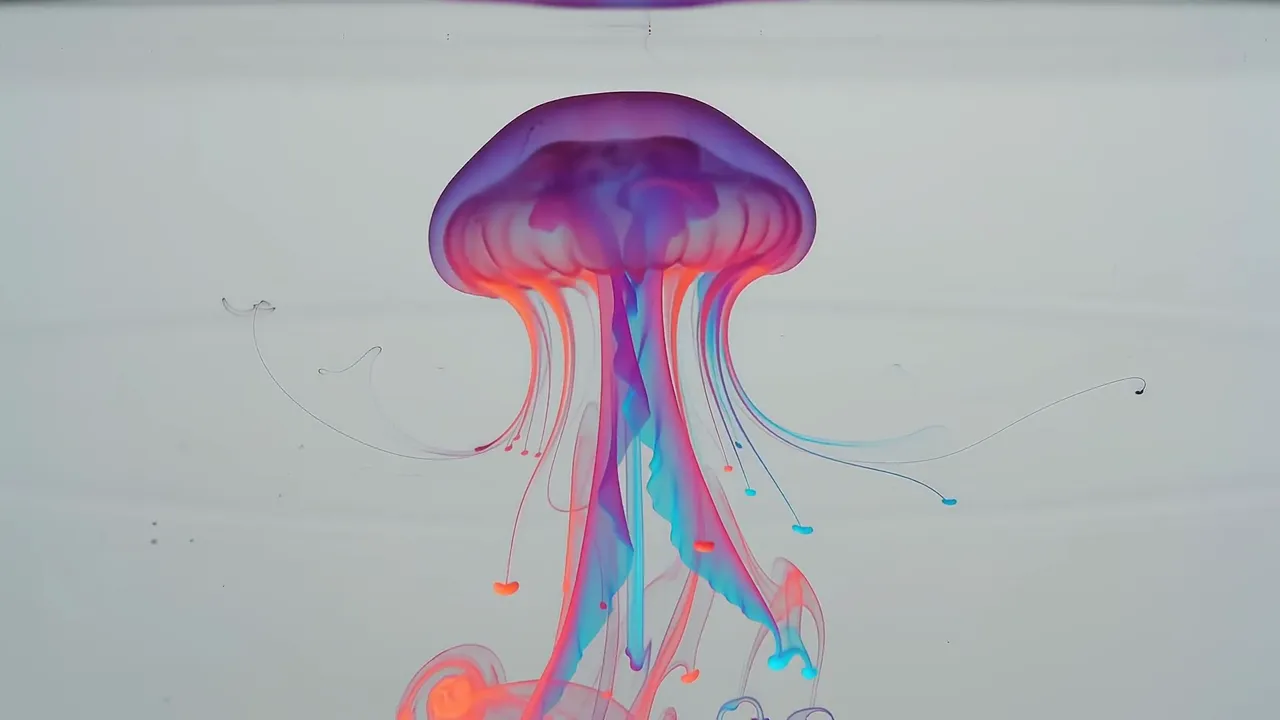 BeforeAfter
07Music and voice
Make music, voiceovers, and talking avatars.
A soundtrack, a song with vocals, a narrator for your script, a speaking avatar.
Try text to speech0:00 / 0:30
0:00 / 3:00
0:00 / 0:20
0:00 / 0:26
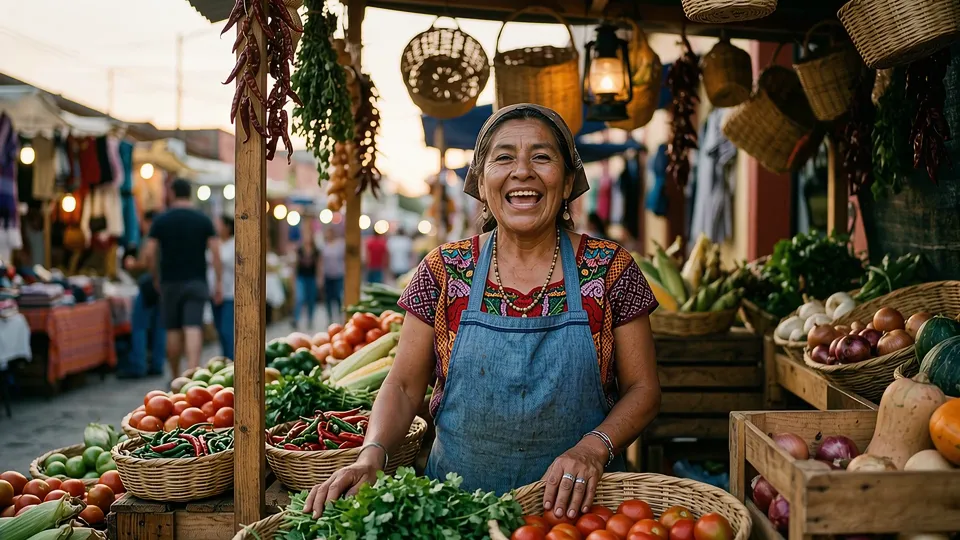 0:05
0:0508Documents
Make decks, PDFs, and reports from a message.
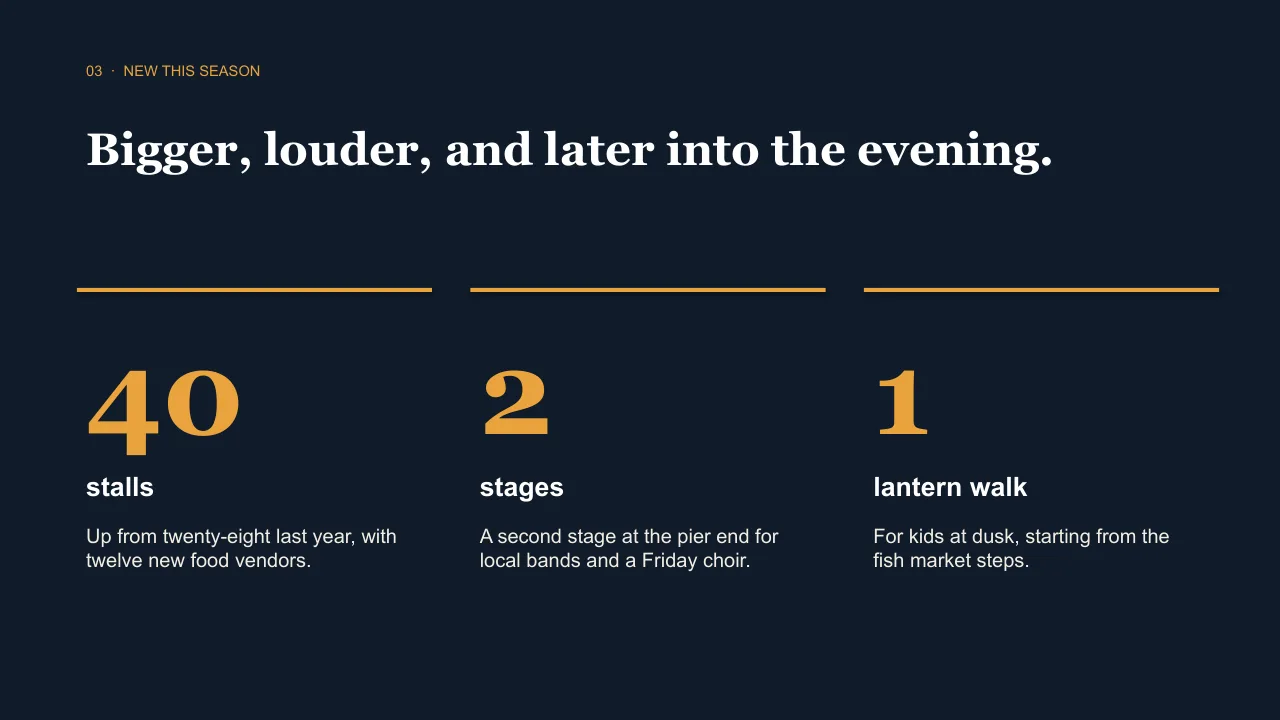
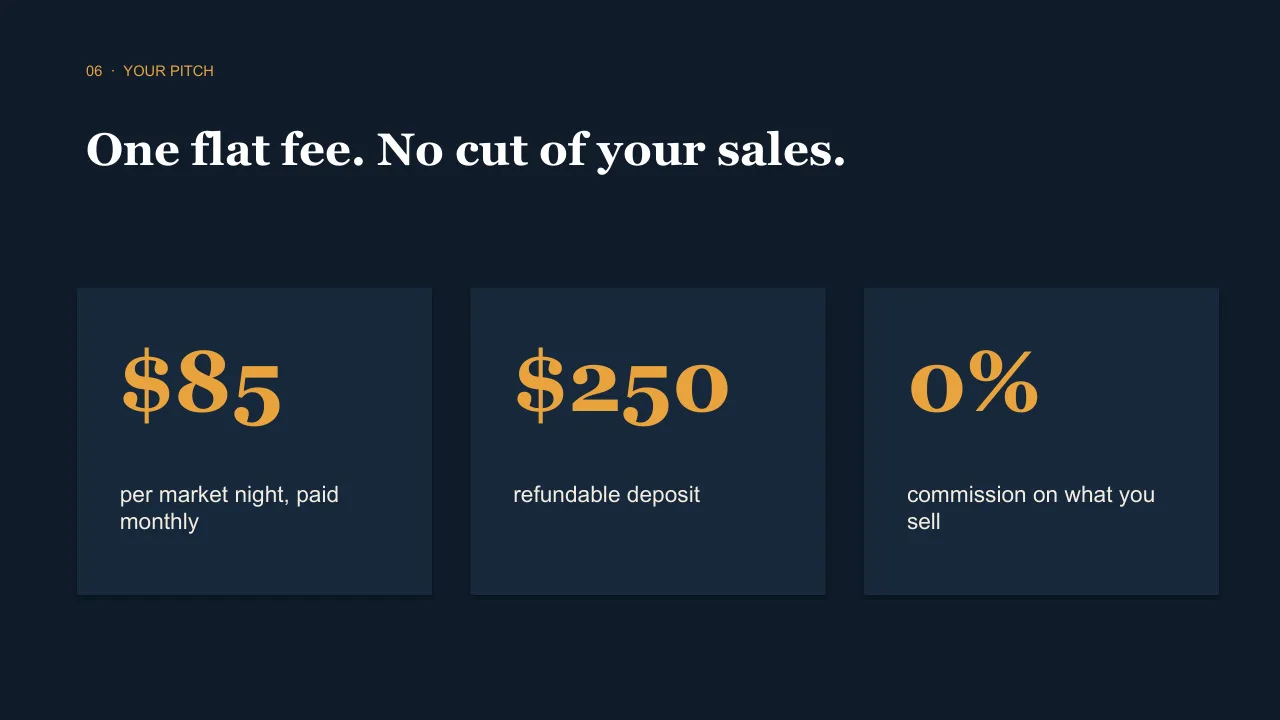
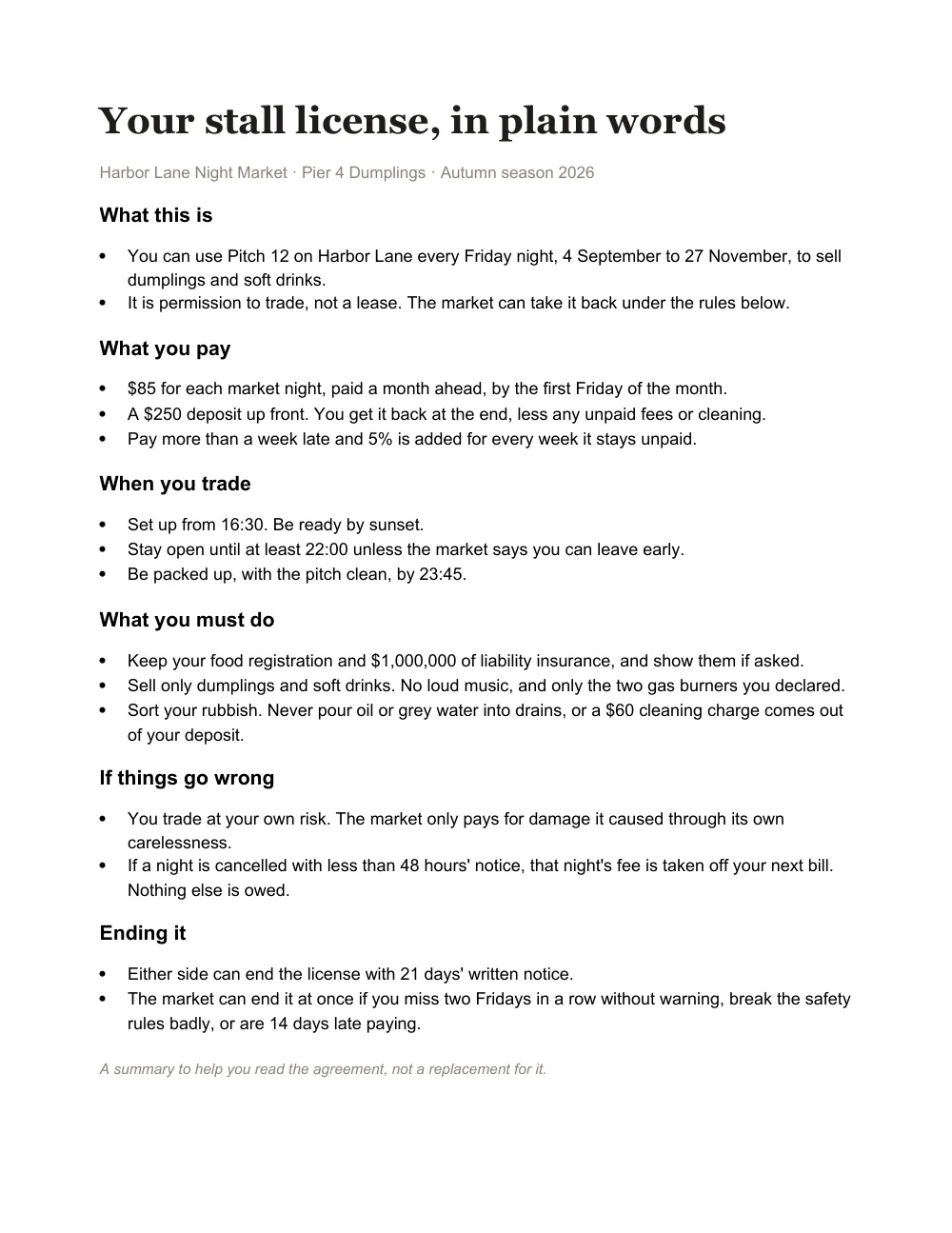
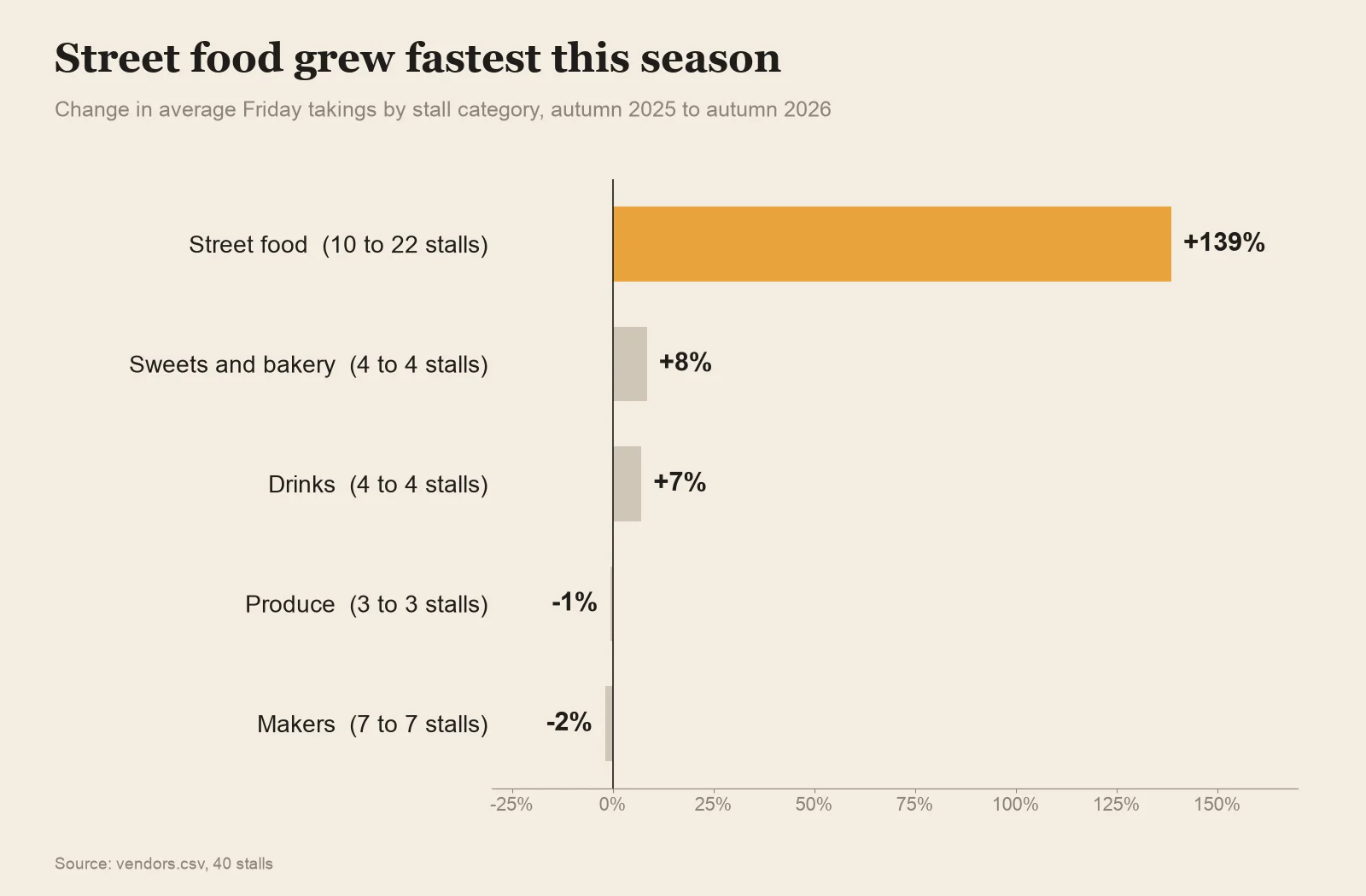
A pitch deck from a brief, a one-page flyer, a contract in plain words, a chart from a spreadsheet.
Try the document summarizer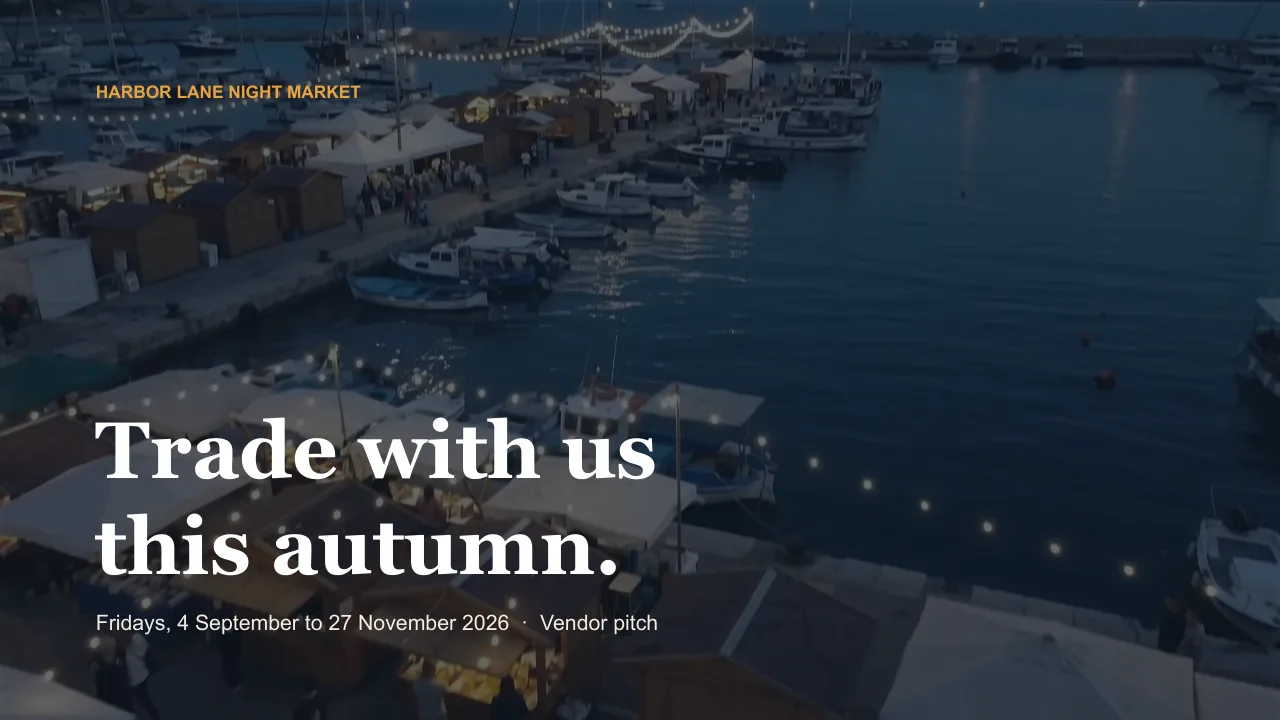

09How it works
From one message to finished files.
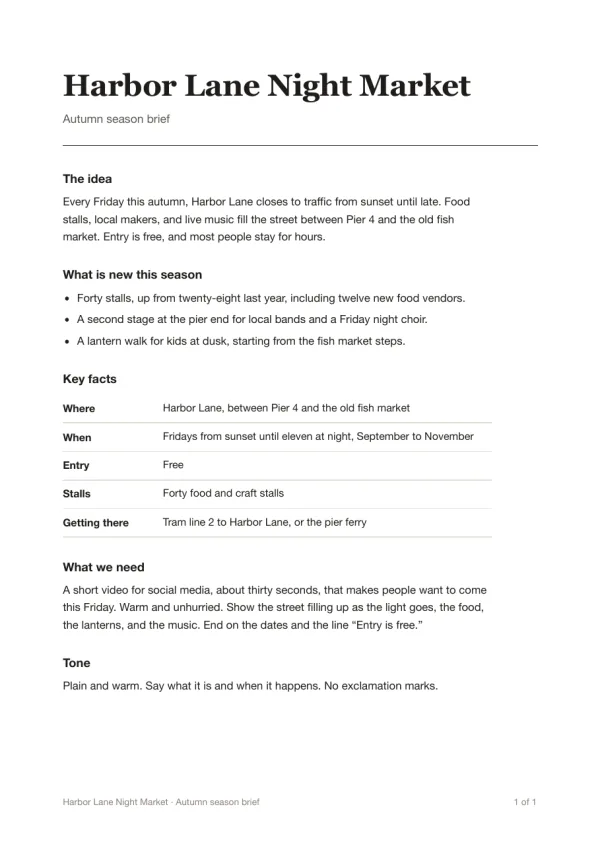 night-market-brief.pdf
Turn this document into a short video with voiceover, music, and captions.
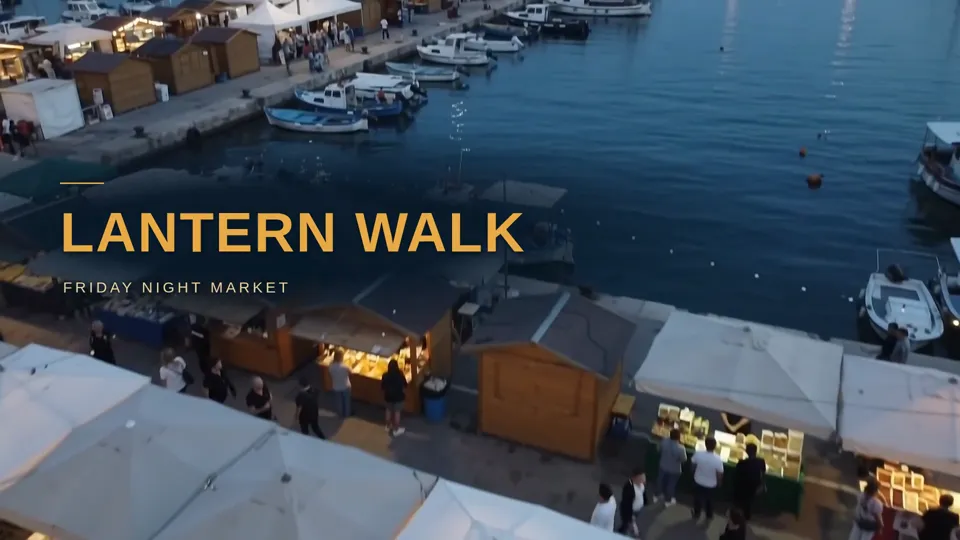
Describe. Type a request, attach files, or paste a link. Read the brief. Writing a thirty-second script.
Recording the voiceover. Composing music alongside.
Cutting, captioning, rendering.
Create. Watch the work, and add direction while it runs.  harbor_lane_night_market_16x9.mp40:36 · 1080p · MP4
Download. Video, audio, images, subtitles. No watermarks.
10Who it's for
Start with the message you'd actually send.
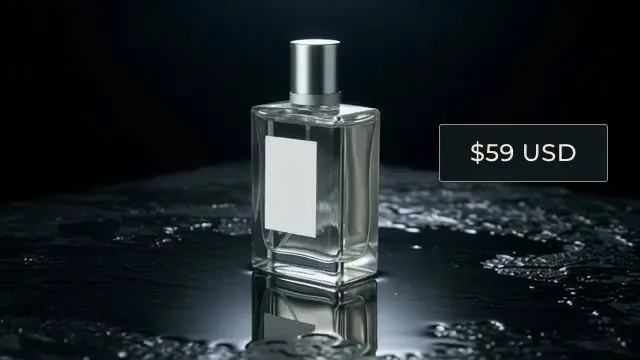
Campaign assets and product content.
Edits and exports across projects.
Transcripts, clips, and audiograms.
11FAQ
Common questions
Do I need video editing experience?
None at all. You describe what you want in plain English and Chat Octopus handles the technical work: cutting, formatting, rendering, and exporting.
What file formats are supported?
On the way in: video (MP4, MOV, WebM), audio (MP3, WAV), PDFs, spreadsheets (XLSX, CSV), and common image formats. On the way out: MP4, MP3, PNG, SRT subtitles, or an editable timeline for Final Cut Pro, Premiere Pro, and DaVinci Resolve. We never stamp a logo on your file.
Is my content private?
Yes. Your files are processed in an isolated workspace, delivered through authenticated links only you can access, and never used to train models.
How do I get started?
Sign up for a free account, credits included. Then just describe what you want to create, in your browser or the iOS and Android apps.
How much does it cost?
It’s free to use. Every account starts with free credits, and more are added to your account over time.
How is this different from traditional editors?
Tools like Premiere or DaVinci are built for frame-level precision. Chat Octopus is built for speed, turning ideas into finished media through conversation, not timelines.