





Videos, captions, and thumbnails.
An AI agent for content creators
Type what you want. Download the finished work.
Videos, images, audio, and documents. One chat.
Make a thirty-second product video for chatoctopus.com. Show one request becoming a finished reel, then end on the tagline.
Done. Thirty-six seconds, 1080p, in your colors.
 0:36
01A whole job
One chat, start to finish.
Keep asking in the same chat. Your files stay at hand.


 0:06
 0:12
- Done
02Image generation
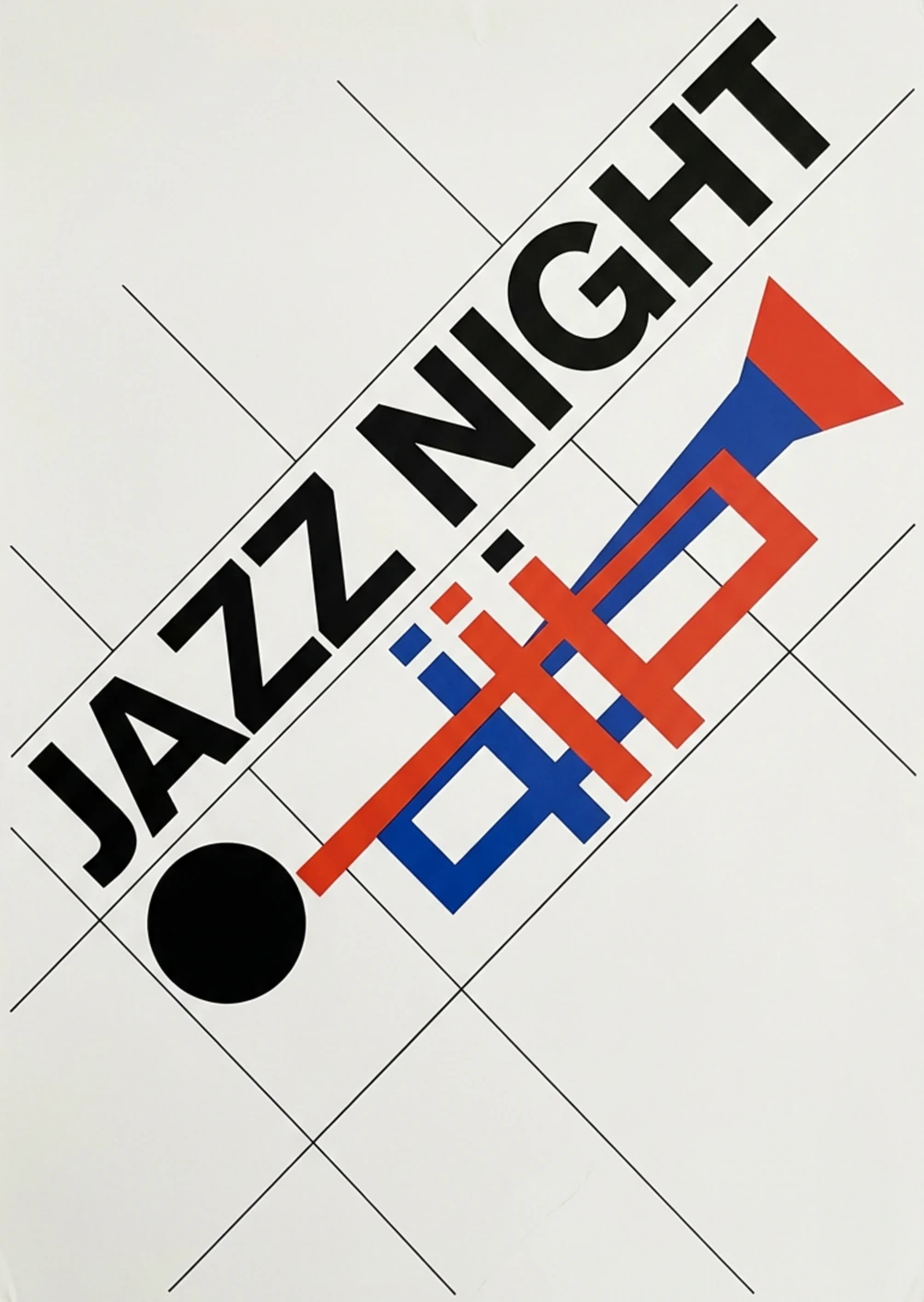
Create images from a description.
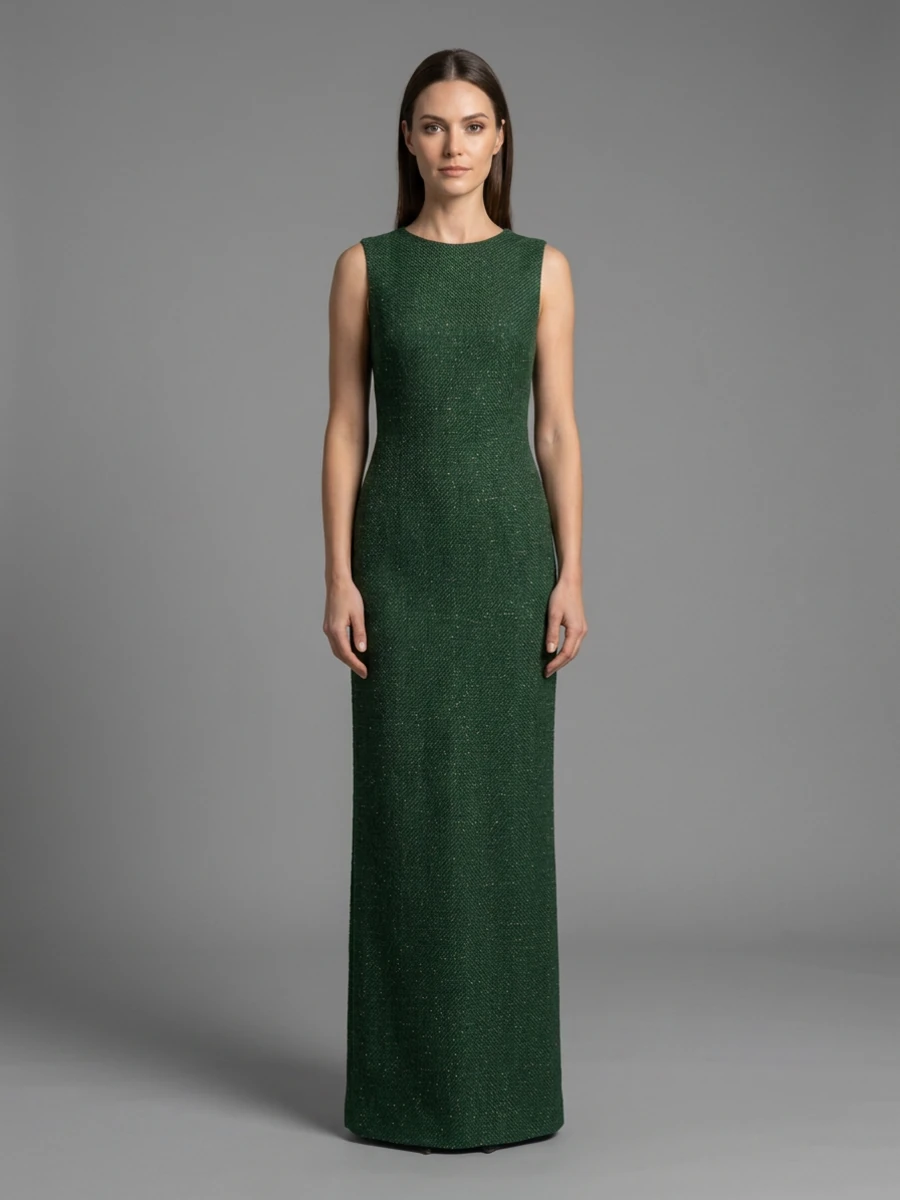
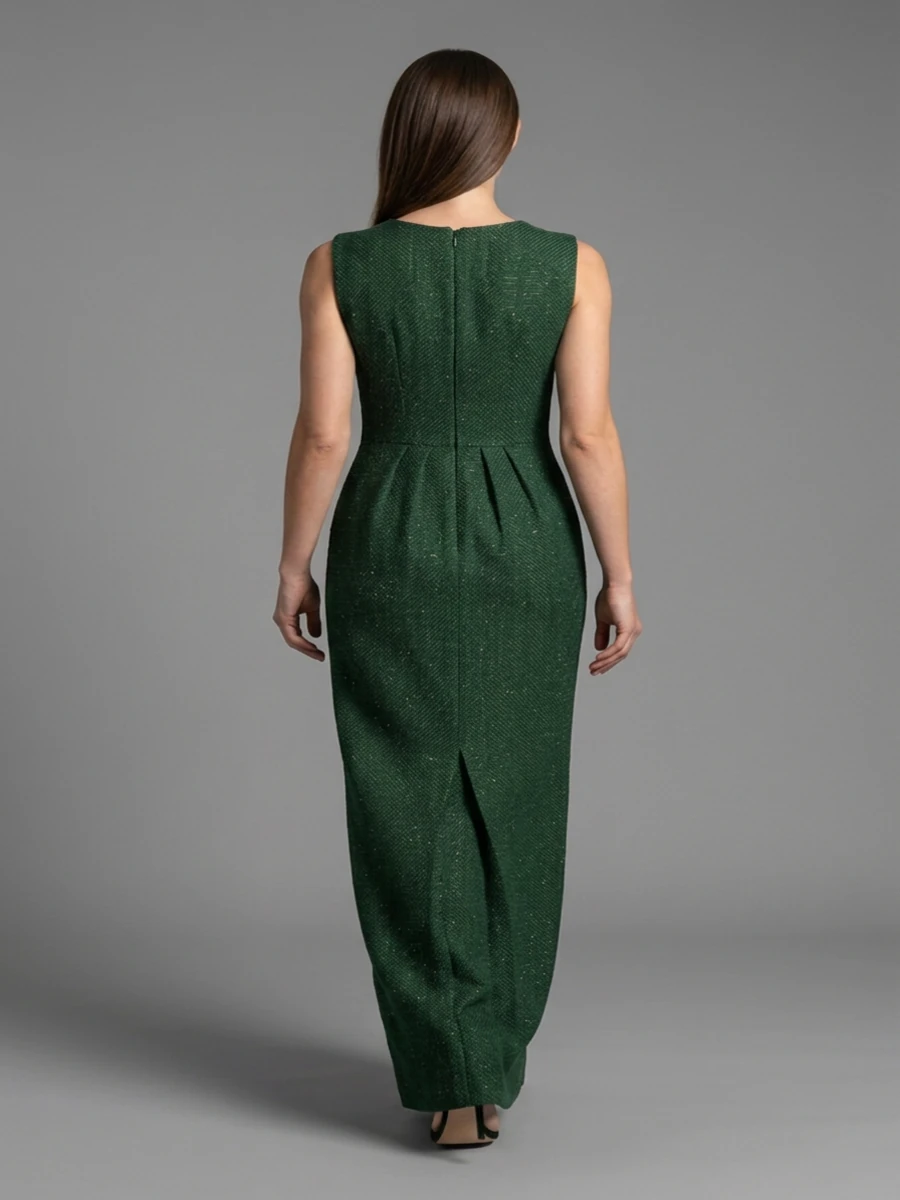
A campaign shot, a poster, cover art. Or start from something you already have, like a fabric swatch.
Browse all tools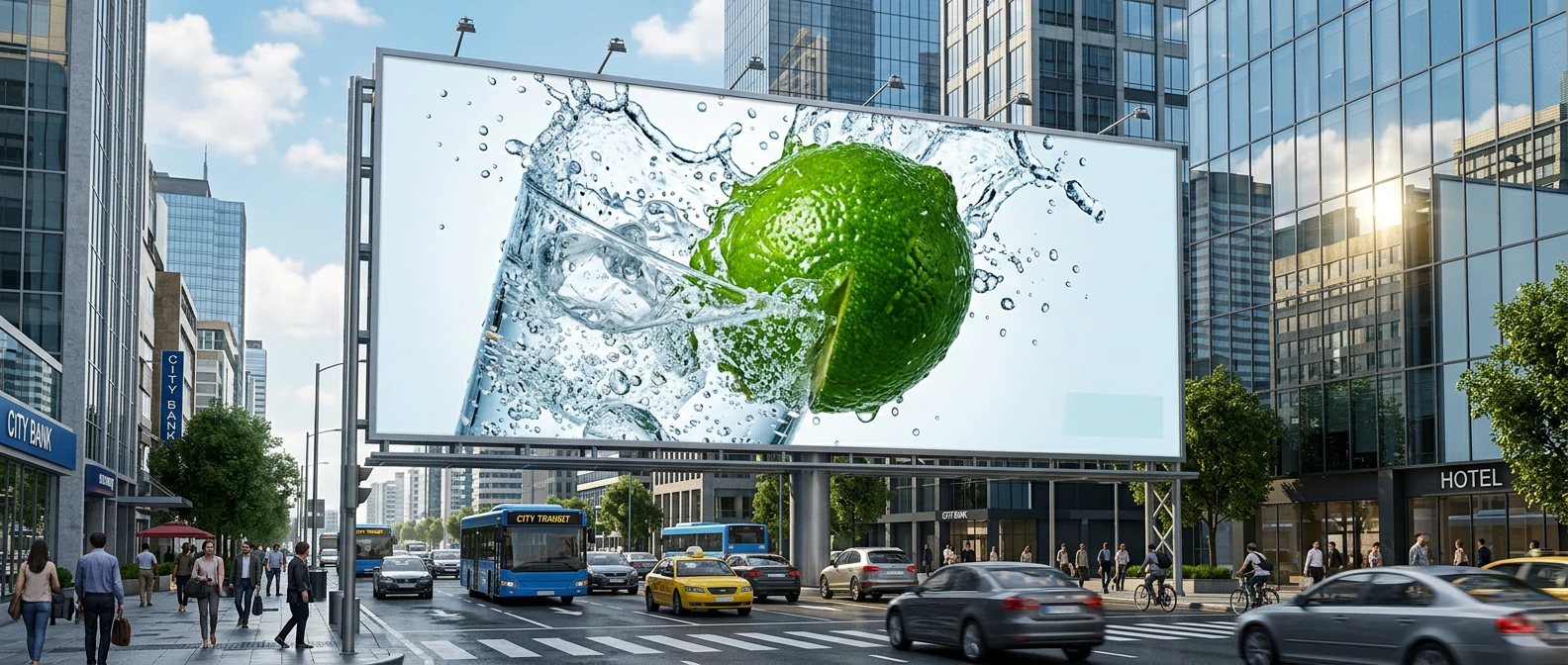



03Image editing
Describe the changes to your image.
Relight it, clear the crowd, change the season, add a sign. Start with your image and say what you want to change.
Browse all tools
 BeforeAfter

 BeforeAfter

 BeforeAfter

 BeforeAfter
Drag to compare. Arrow keys work too.
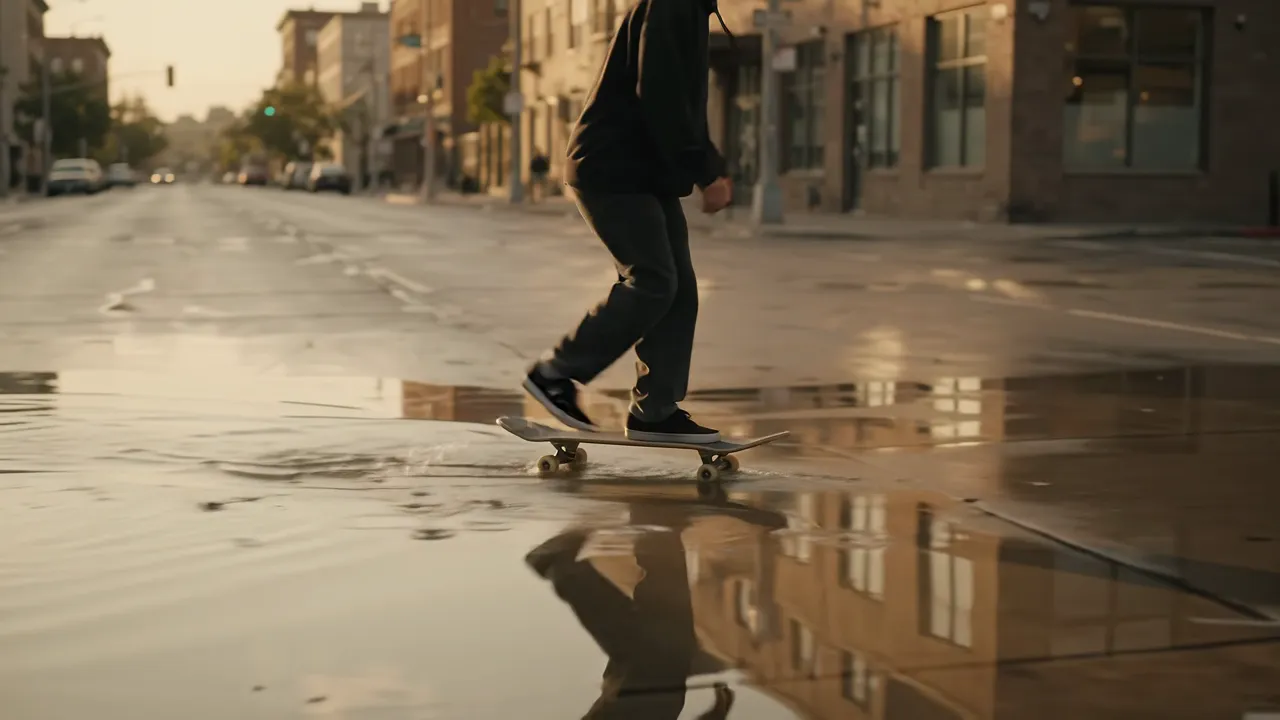
04Video generation
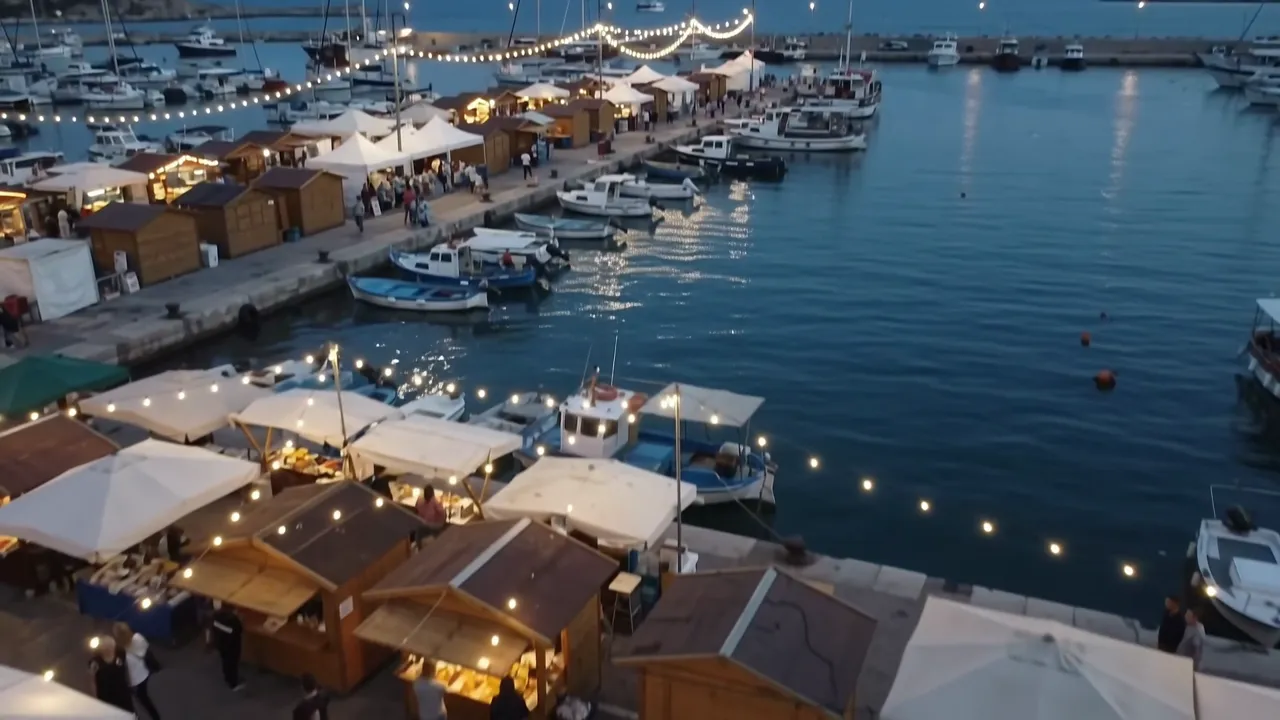
Create video from a description.
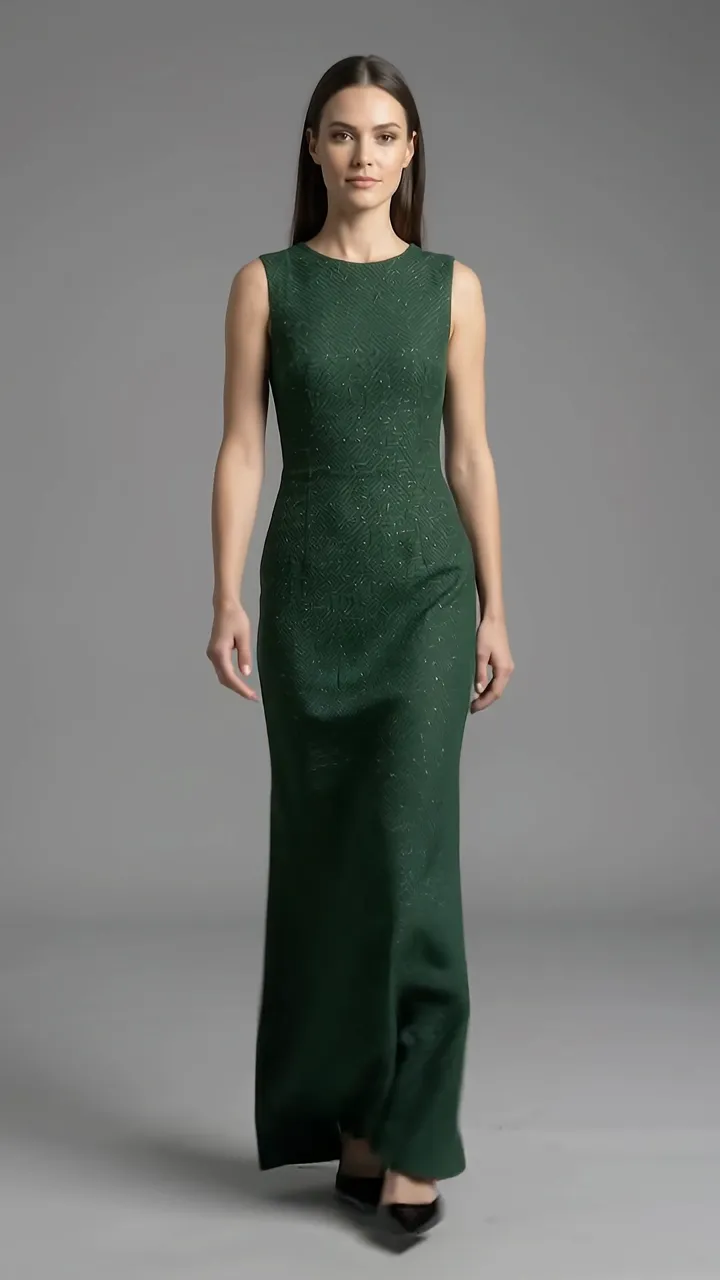
A scene, a camera move, or a still you already made, set in motion.
Try the AI video generator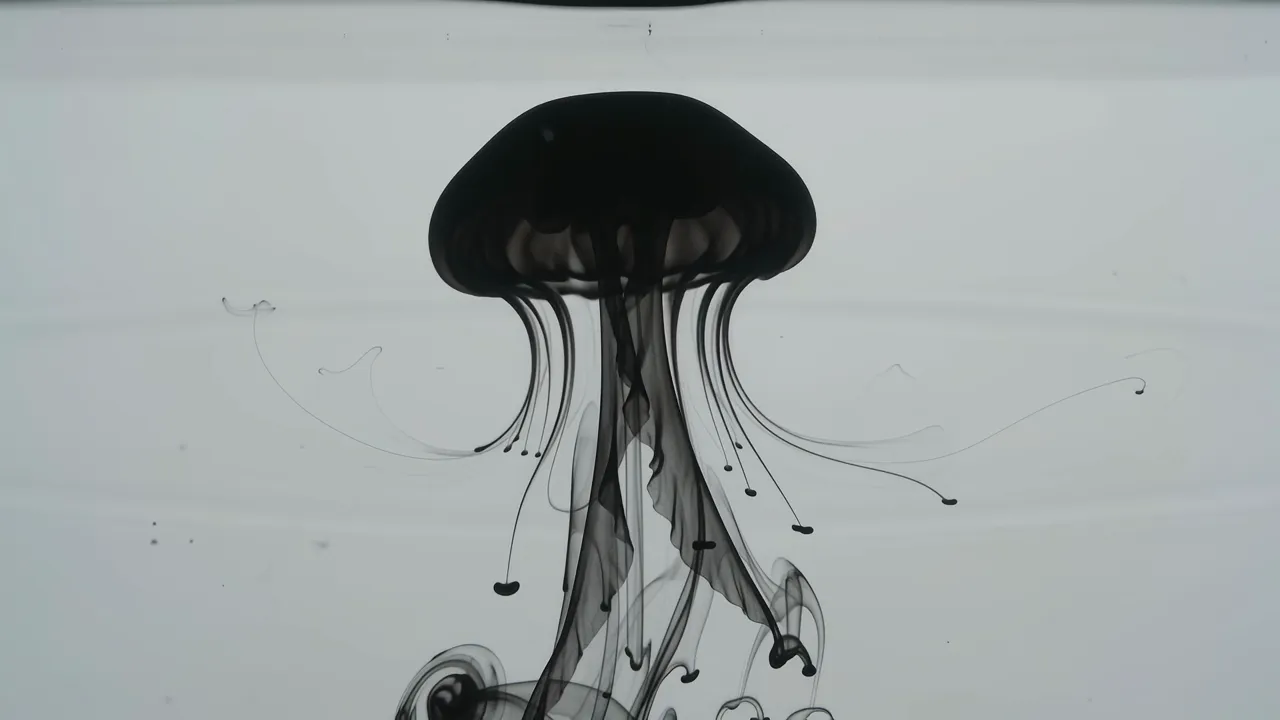
05Motion graphics
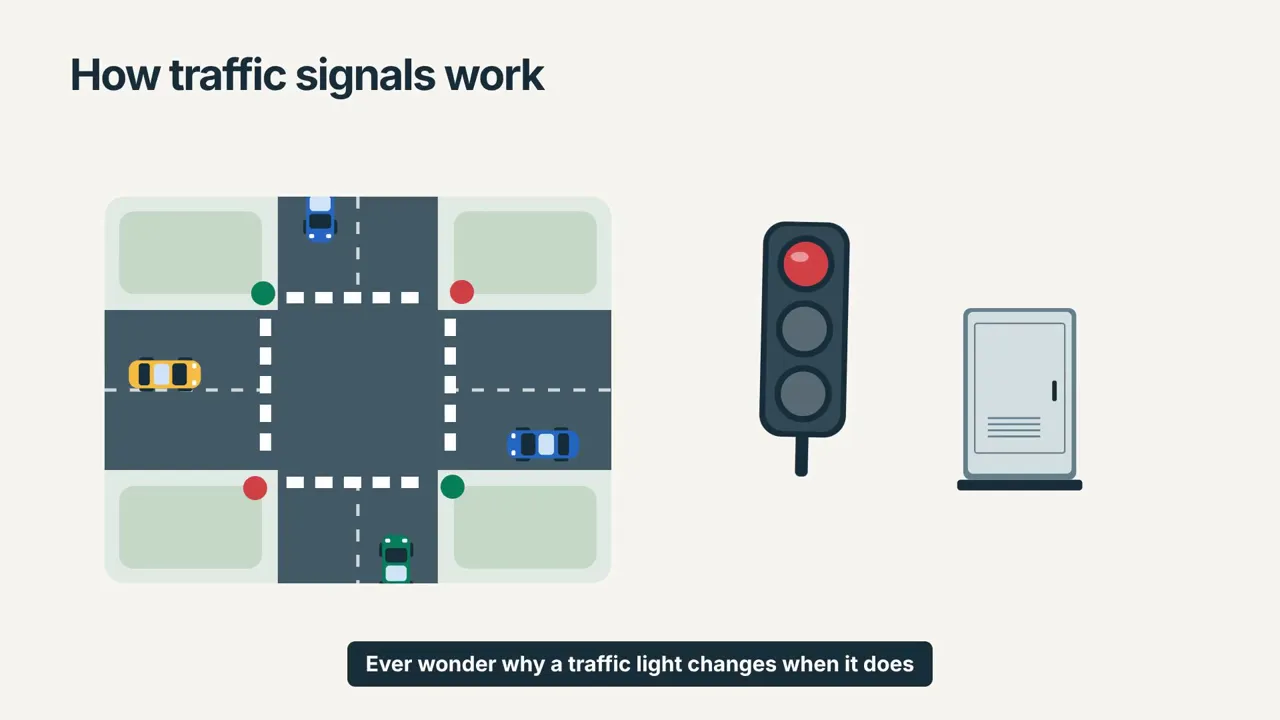
Motion graphics from a sentence.
Intros, overlays, product videos, explainers. Type, shapes, and motion, rendered to your colors.
Browse all tools
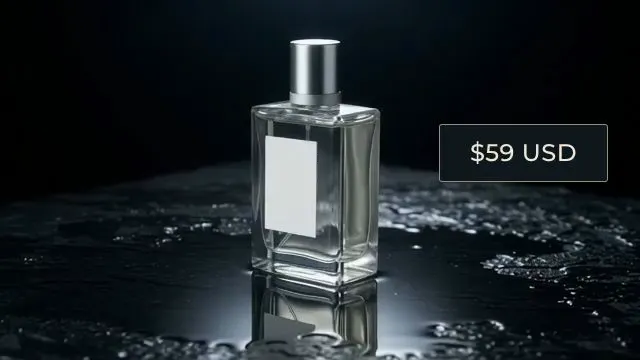
06Video editing
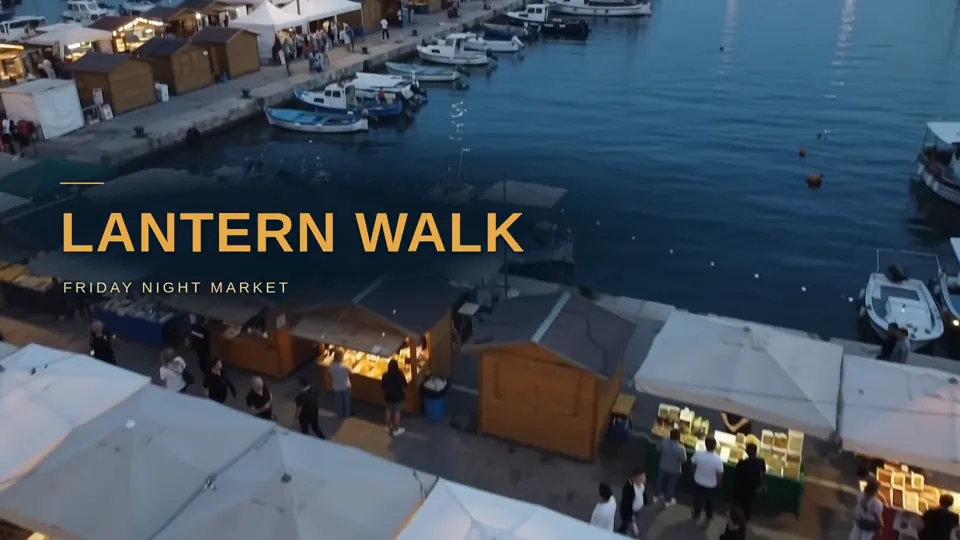
Edit video by describing the cut.
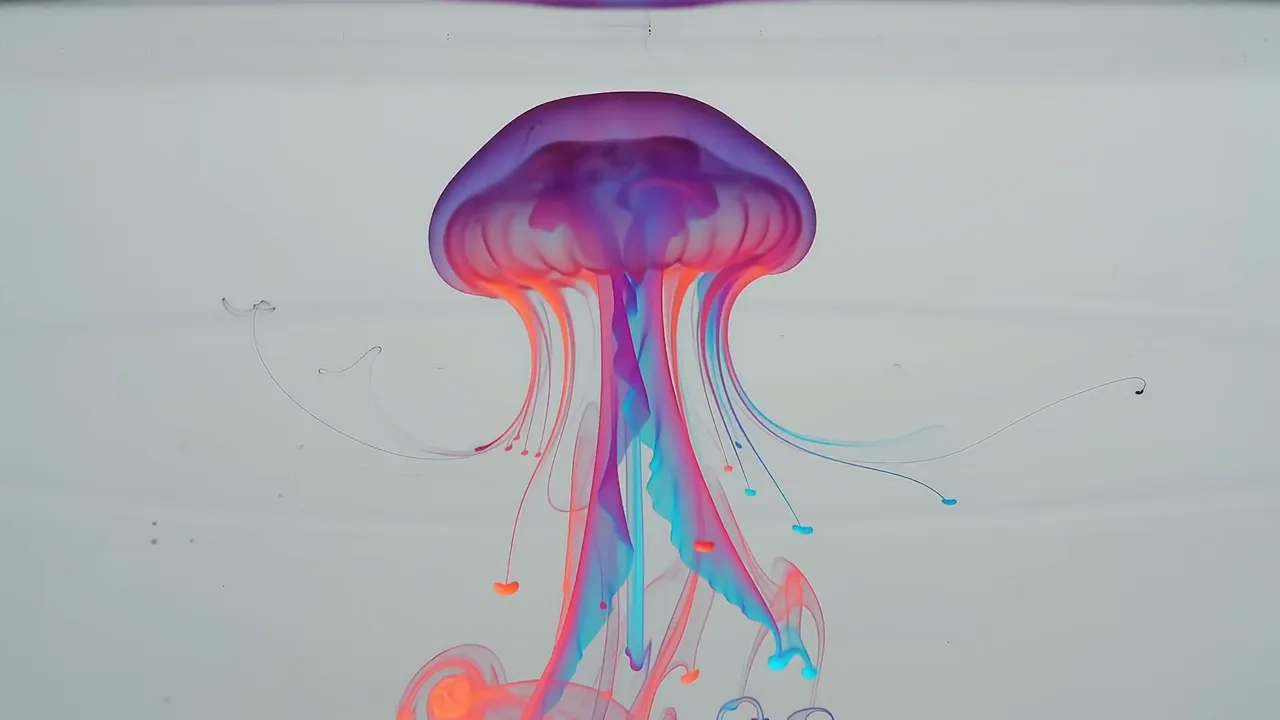
Choose the parts to keep. Add captions, music, animated titles. Reframe it, turn day to night, bring in colour.
Try the AI video editor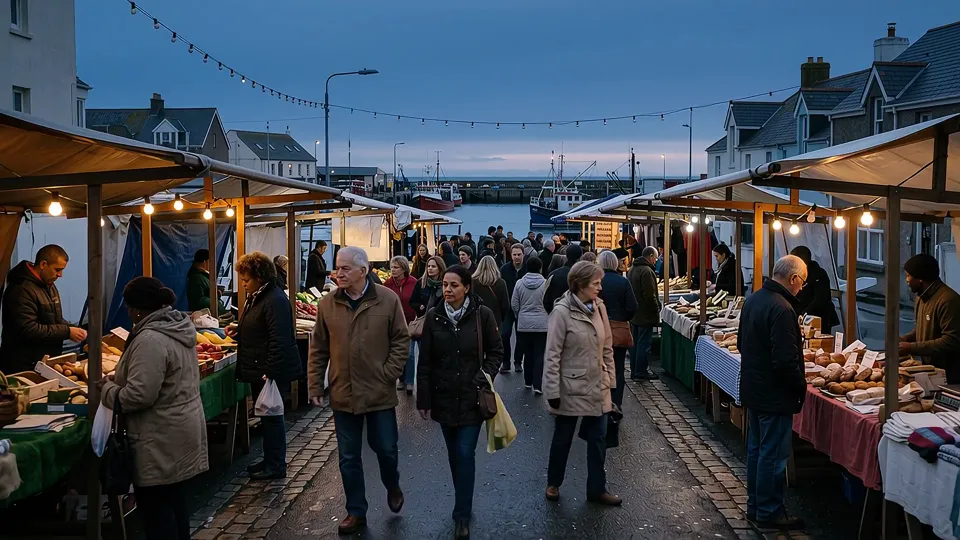
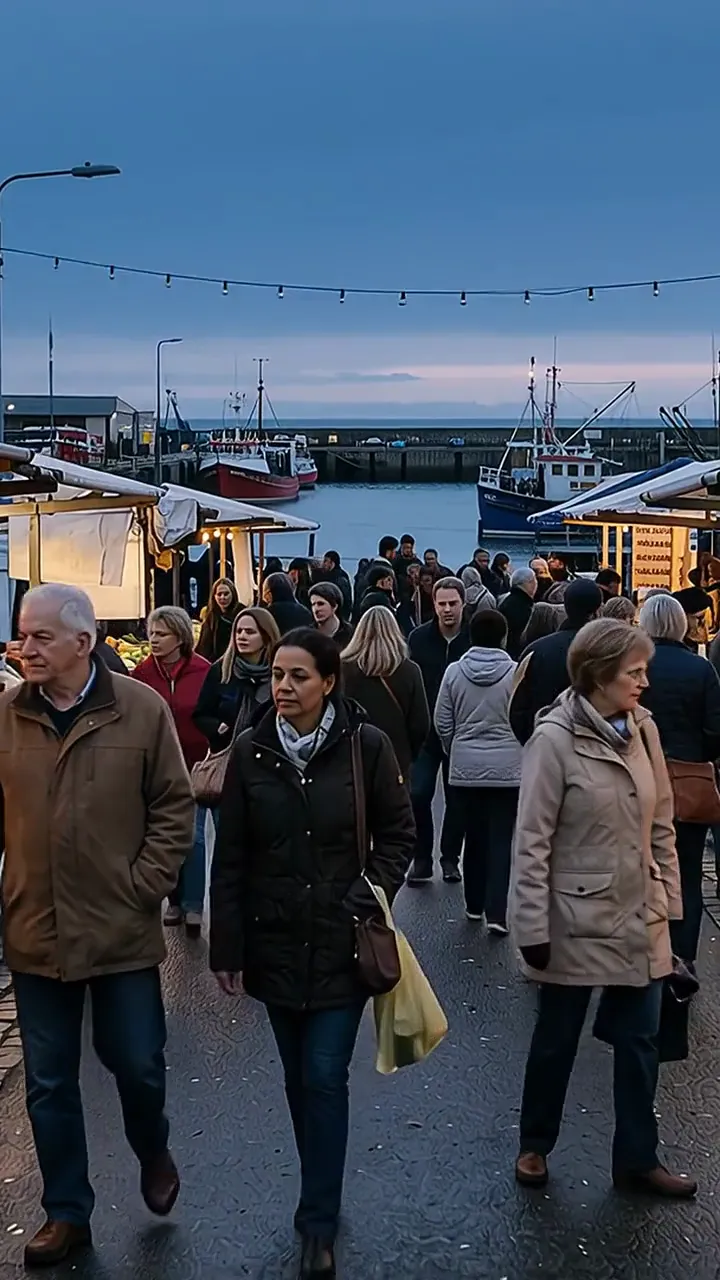
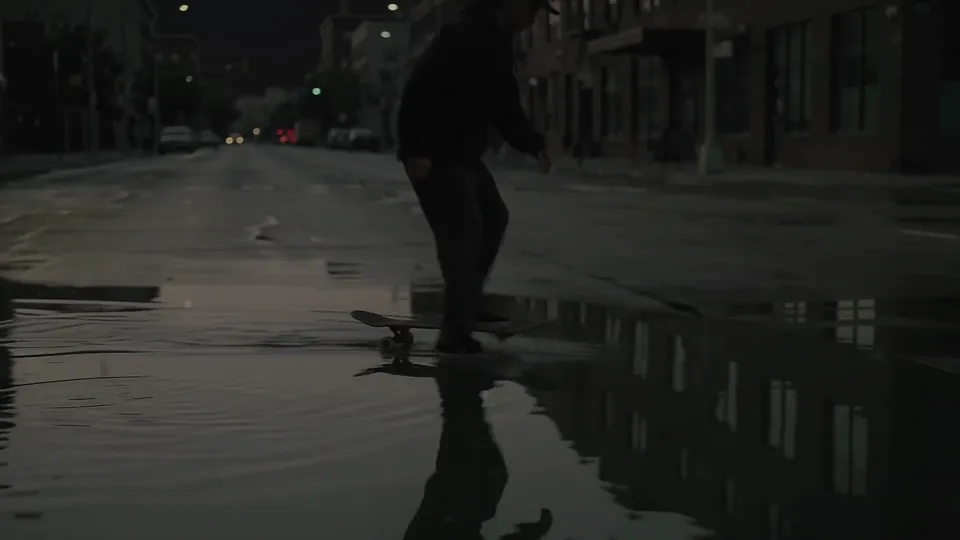 BeforeAfter
 BeforeAfter
07Music and voice
Make music, voiceovers, and talking avatars.
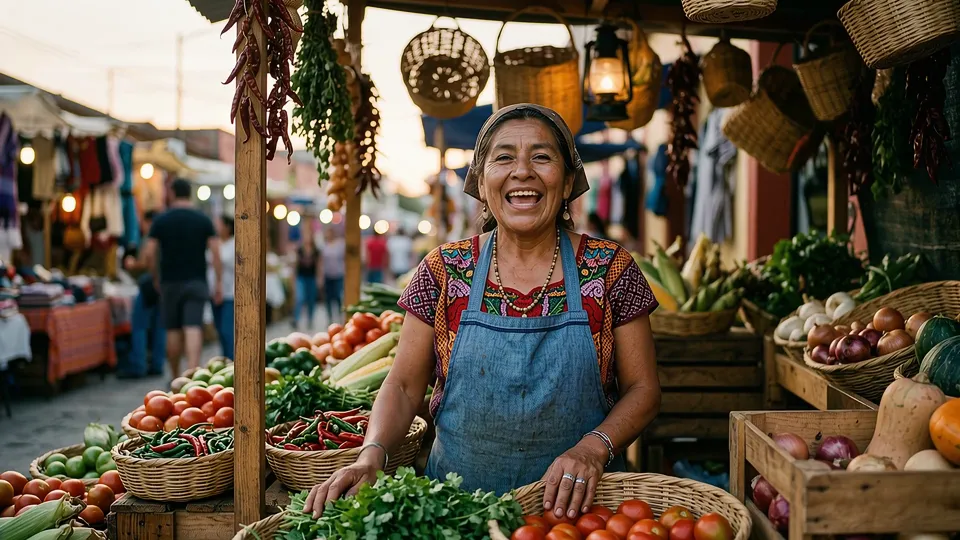
A soundtrack, a song with vocals, a narrator for your script, a speaking avatar.
Try text to speech0:00 / 0:30
0:00 / 3:00
0:00 / 0:20
0:00 / 0:26
 0:05
08Documents
Make decks, PDFs, and reports from a message.
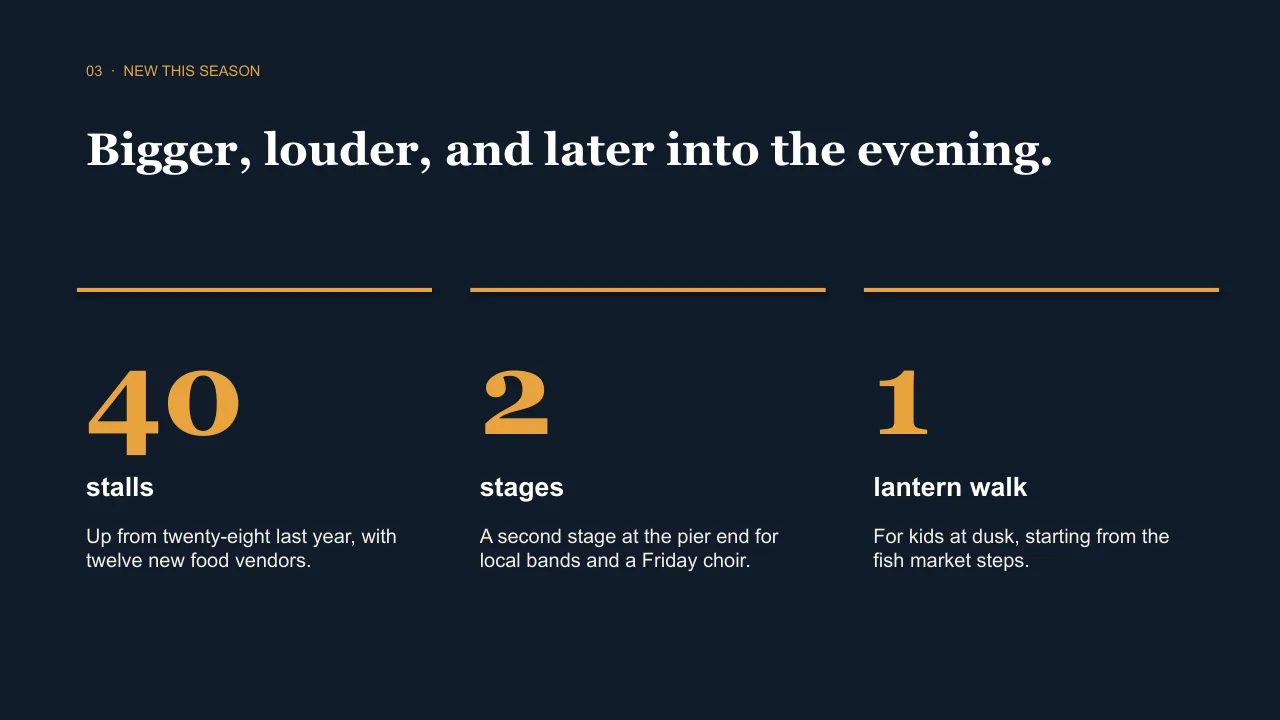
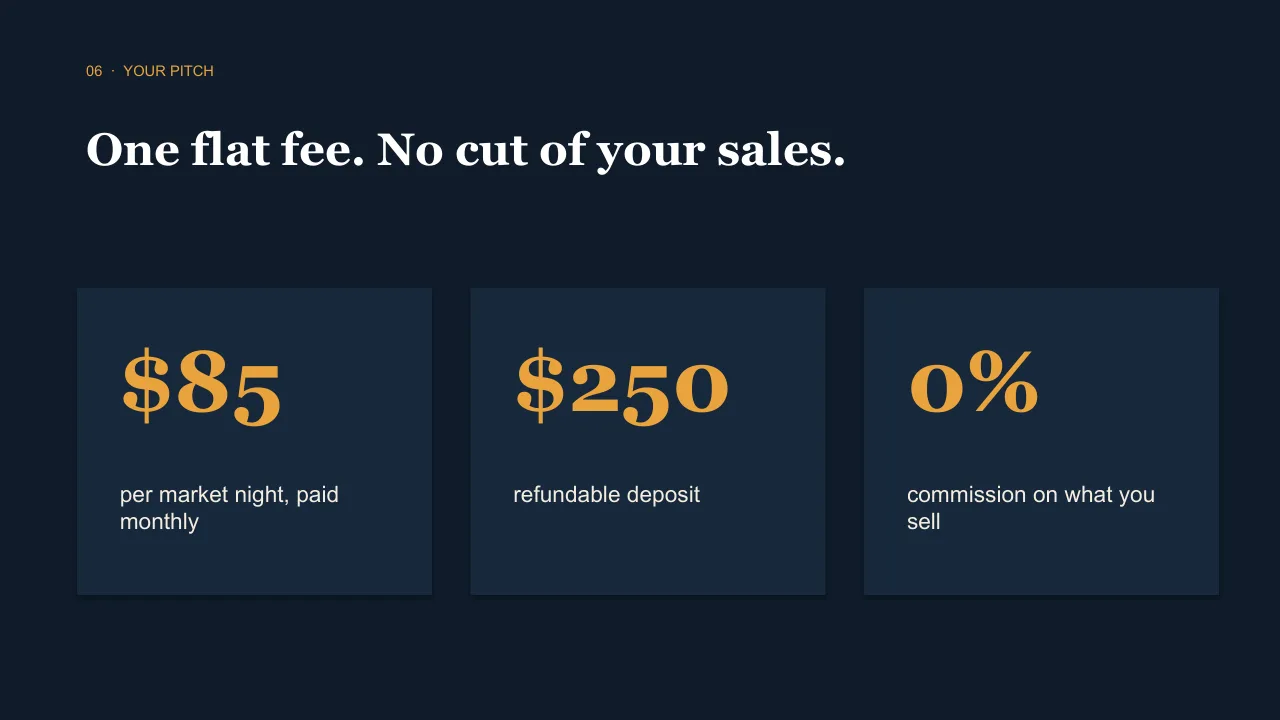
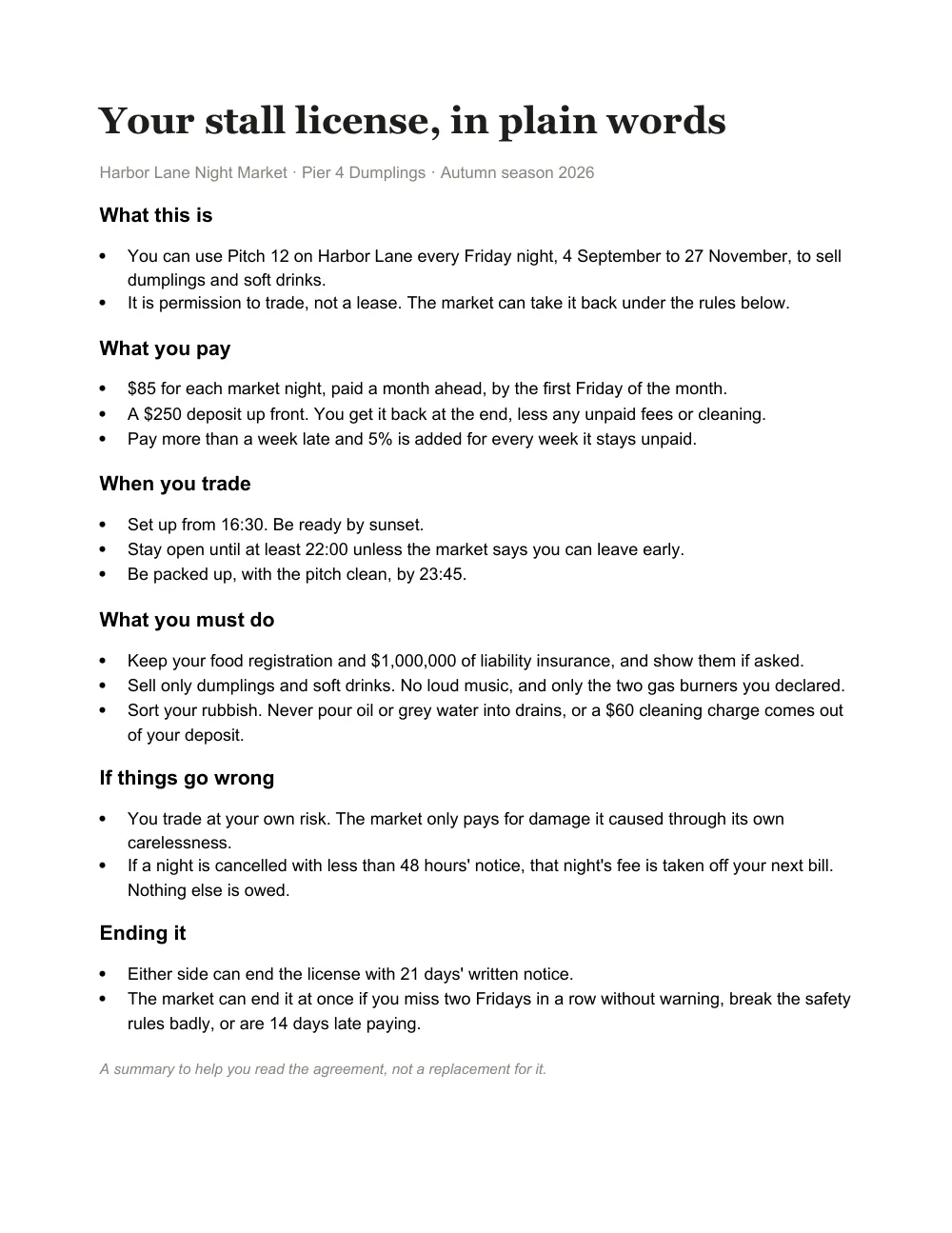
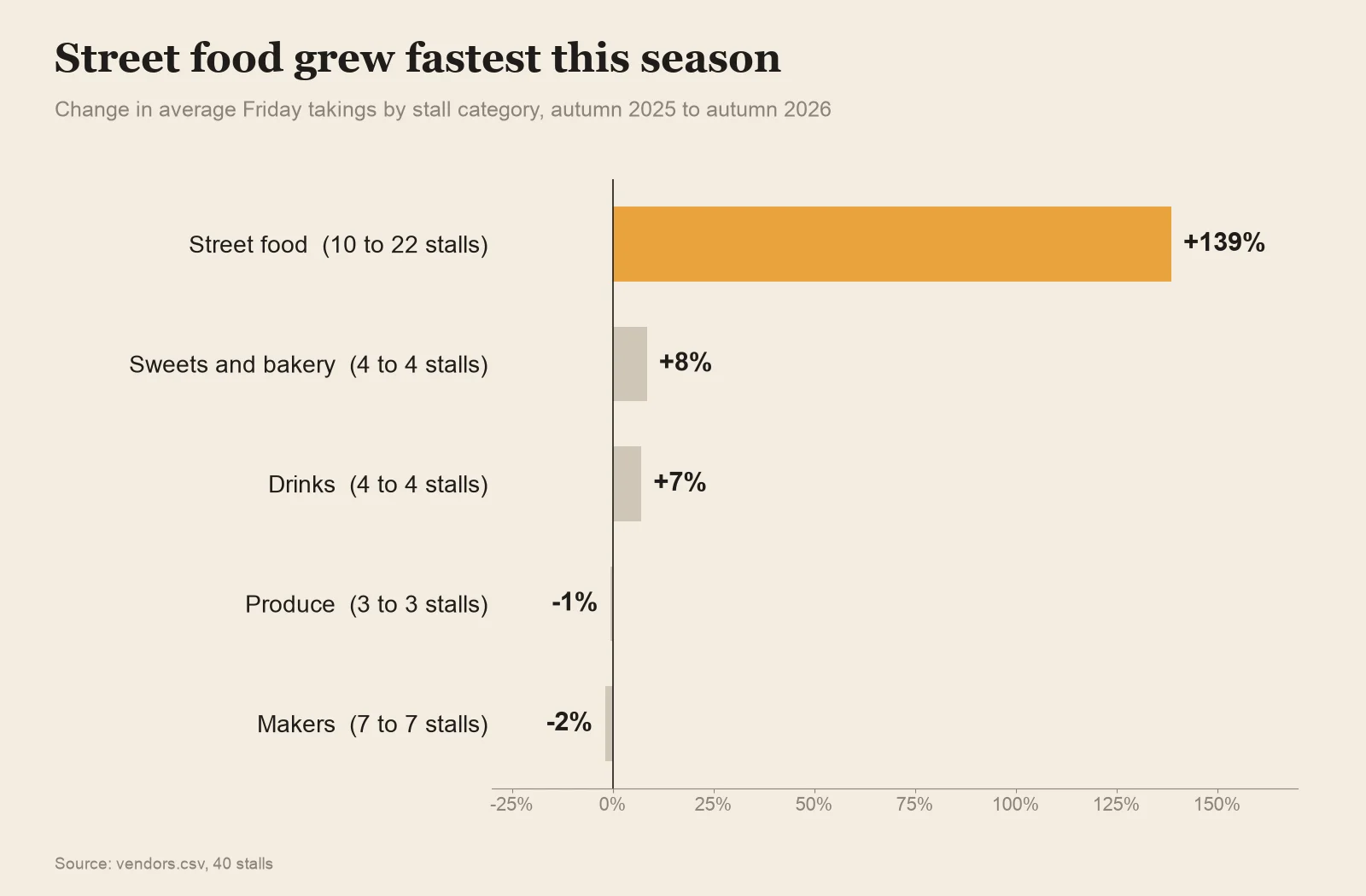
A pitch deck from a brief, a one-page flyer, a contract in plain words, a chart from a spreadsheet.
Try the document summarizer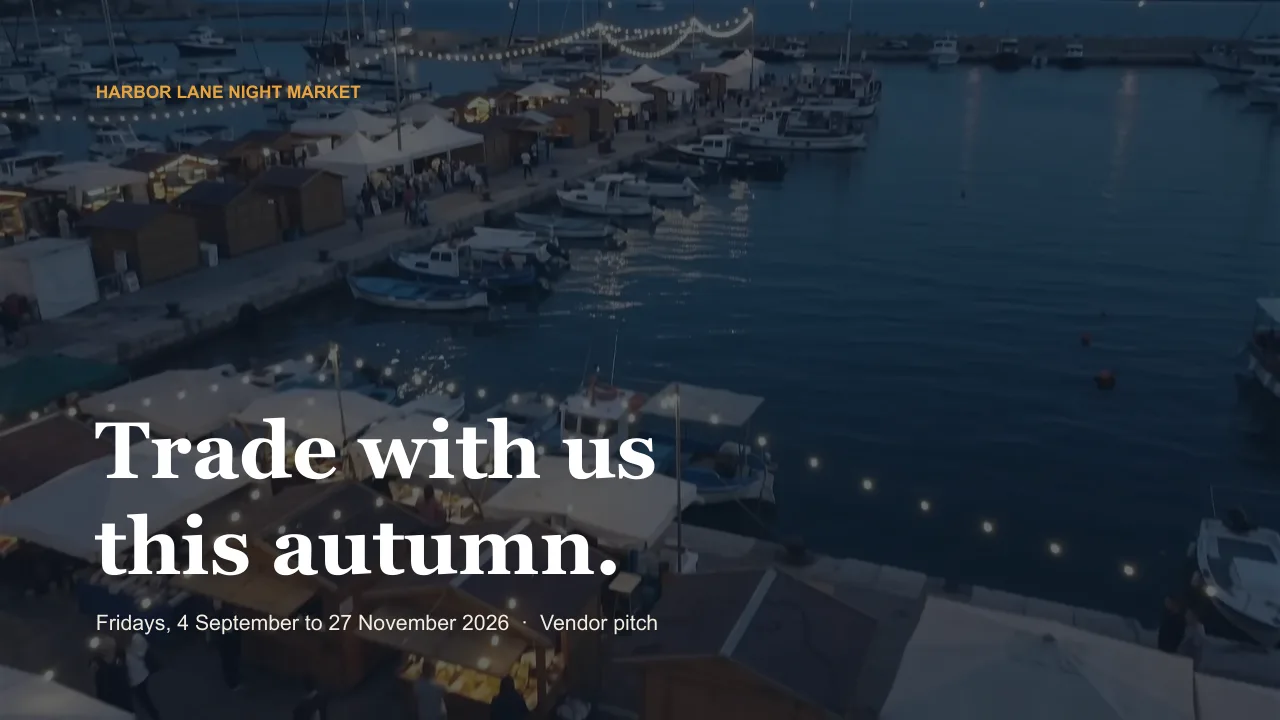

09How it works
From one message to finished files.
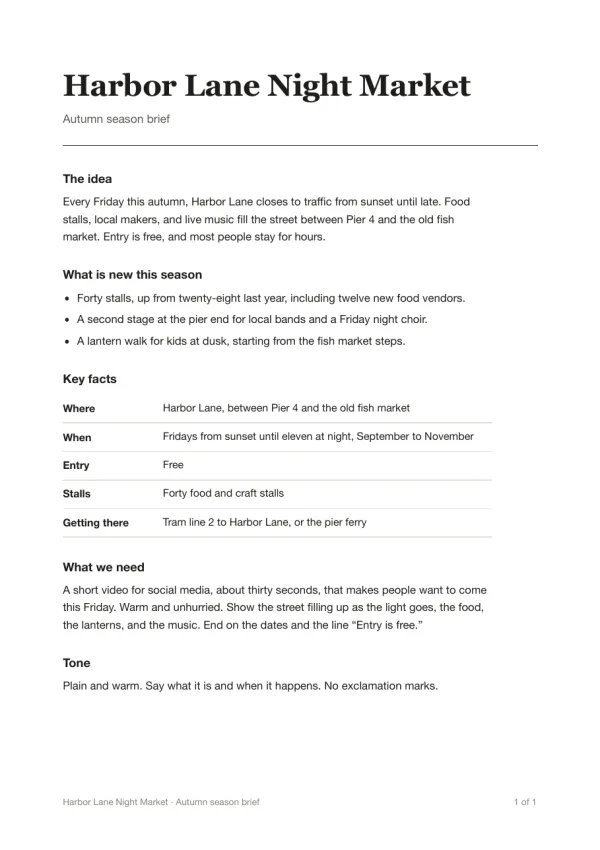 night-market-brief.pdf
Turn this document into a short video with voiceover, music, and captions.
Describe. Type a request, attach files, or paste a link. Read the brief. Writing a thirty-second script.
Recording the voiceover. Composing music alongside.
Cutting, captioning, rendering.
Create. Watch the work, and add direction while it runs.  harbor_lane_night_market_16x9.mp40:36 · 1080p · MP4
Download. Video, audio, images, subtitles. No watermarks.
10Who it's for
Start with the message you'd actually send.
Campaign assets and product content.
Edits and exports across projects.
Transcripts, clips, and audiograms.
11FAQ
Common questions
Do I need video editing experience?
No. You say what you want in plain words, and the cutting, captions and export are done for you.
What file formats are supported?
You can upload video (MP4, MOV, WebM), audio (MP3, WAV), PDFs, spreadsheets (XLSX, CSV) and common image formats. What you download comes as MP4, MP3, PNG, SRT subtitle or DOCX files, with no logo of ours on them.
Is my content private?
Yes. Your files are processed in an isolated workspace and delivered through authenticated links only you can access. From November 14, 2026, chats can be used to improve the agent, and our team may read a small sample with names and emails removed. One email to support@chatoctopus.com opts you out.
How do I get started?
Sign up with no card and you get free credits. Then type what you want to make, in your browser or in the iPhone and Android apps.
How much does it cost?
You can start free. New accounts get 150 credits, and the free plan adds 20 more each day you visit. Videos the free plan generates come out at 360p, while editing your own clips keeps their original quality. Paid plans give you more credits every month and generated video up to 1080p, depending on the plan.
How is this different from traditional editors?
Premiere and DaVinci Resolve give you a timeline and control over every frame, once you have learned them. Here you describe the result, and the cutting, captions and export are done for you.